
Scheduling, explained with worked examples
Practical guides to setting up event types, availability and reminders, and plain accounts of how CalFlare works and where its limits are.
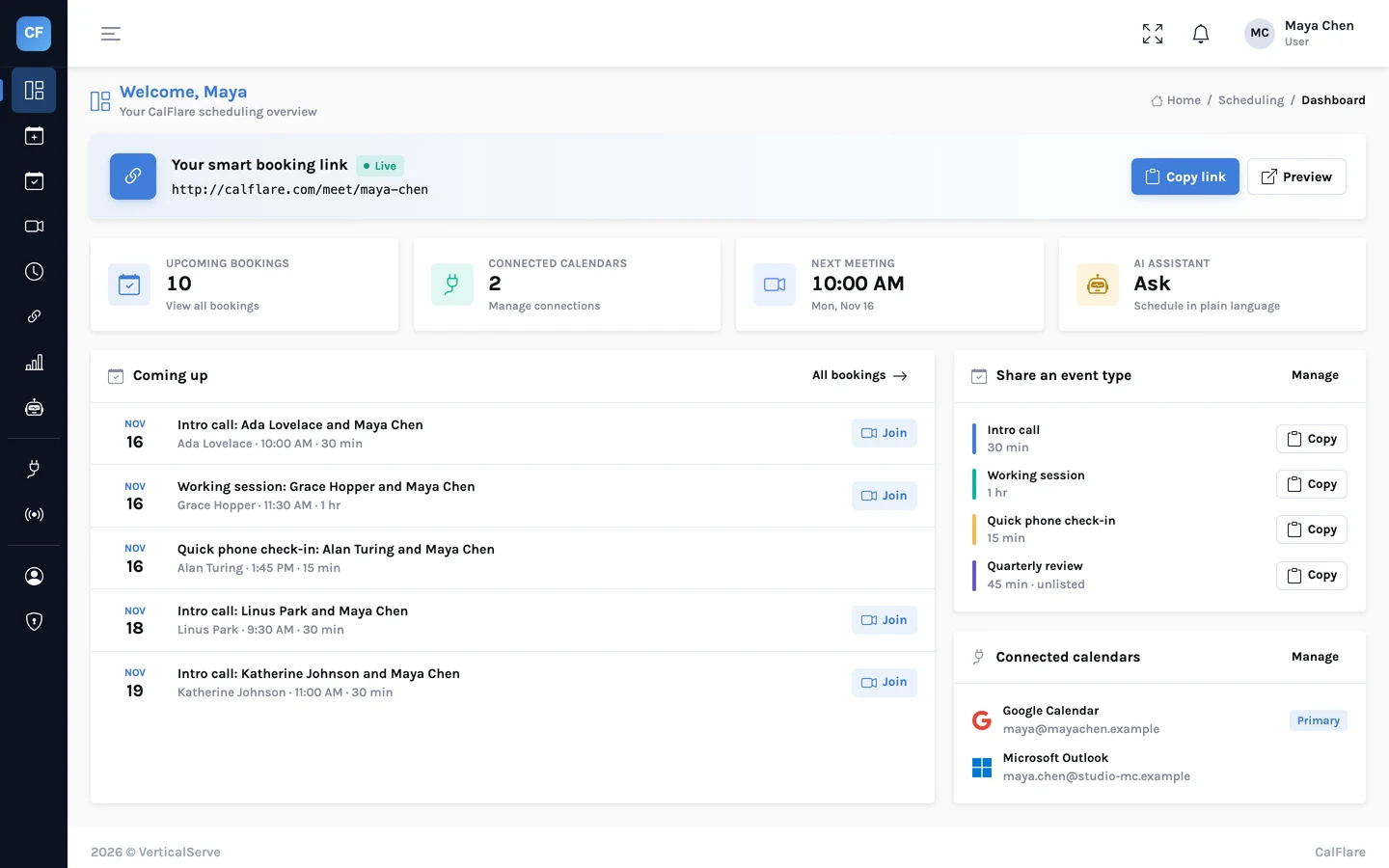
Introducing the new CalFlare: event types, rescheduling, reminders and more
CalFlare has been rebuilt. Here is what is new: a link for each kind of meeting, reschedule and cancel links for invitees, reminder emails, an AI assistant, embeds, webhooks and analytics. And what is not there yet.
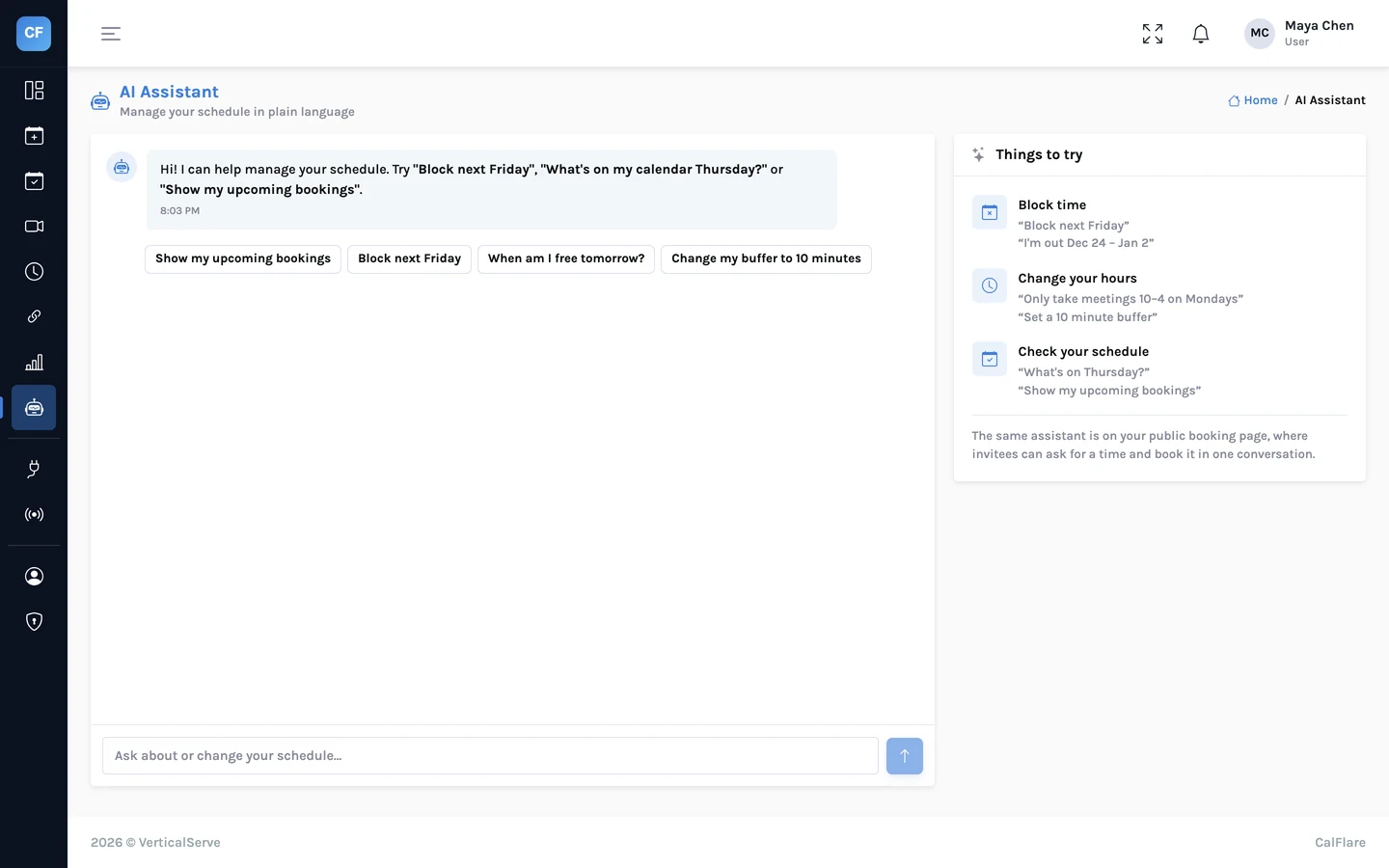
Let the assistant handle the back-and-forth
CalFlare's AI assistant lets hosts manage their schedule by typing a sentence, and lets invitees find a time by chatting. What it can do, what it cannot, and the guardrails that keep it honest.
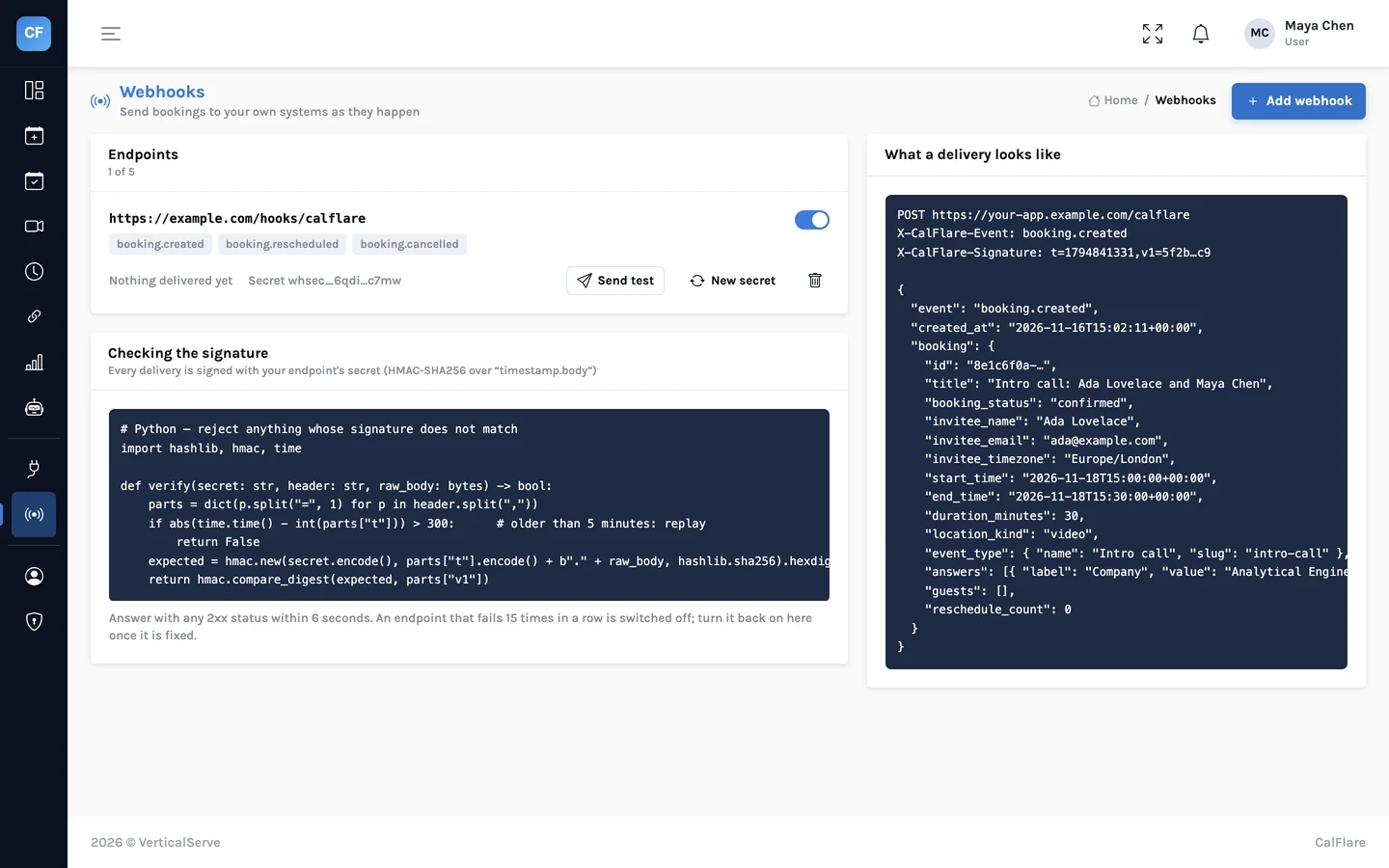
Webhooks: send bookings to your CRM, Slack or a spreadsheet
CalFlare can call your own HTTPS endpoint when a booking is created, rescheduled or cancelled. The payload, how to verify the signature in Python and Node, and what to build on the receiving end.
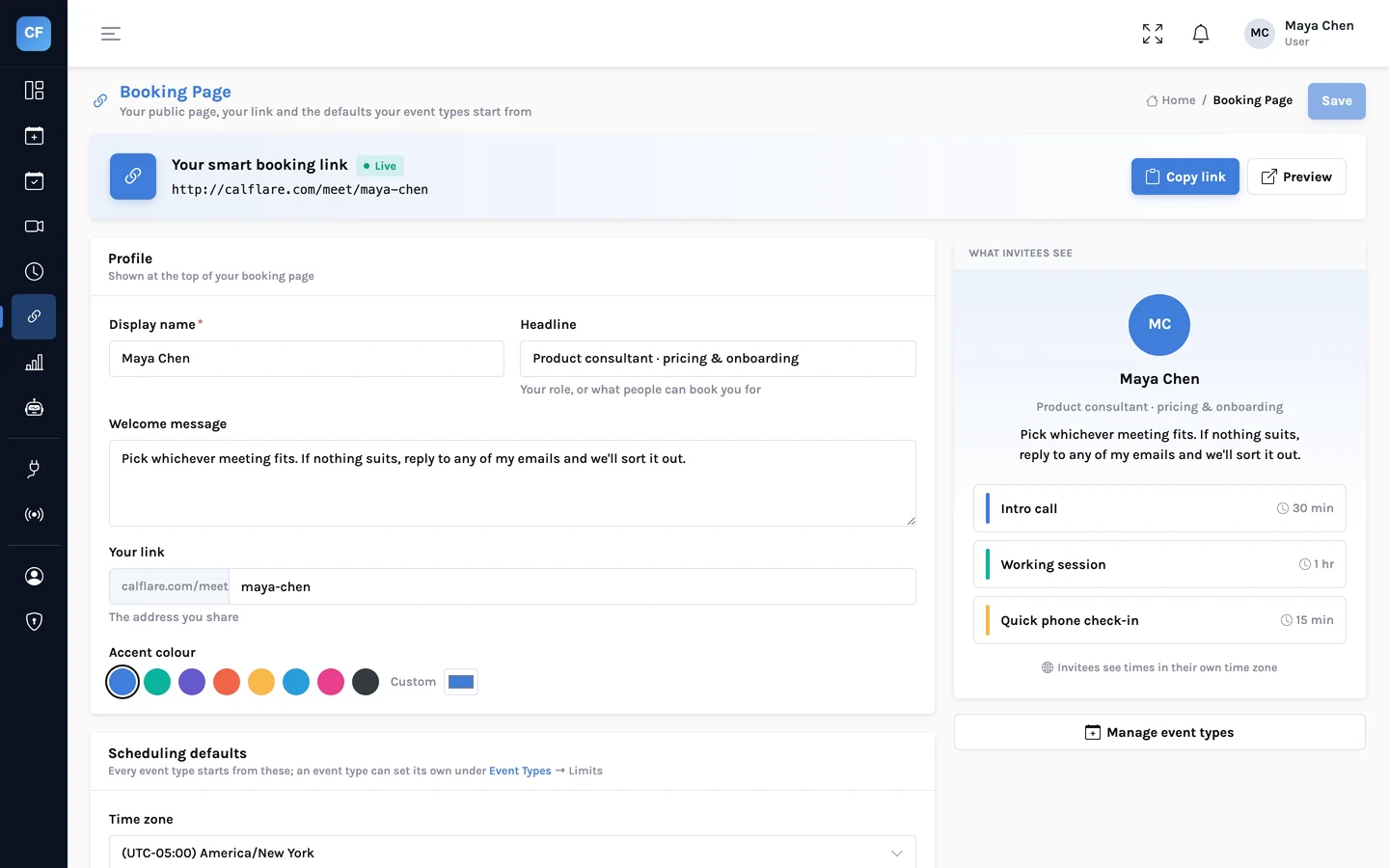
Put your booking page on your website
Two ways to embed CalFlare on any site: the booking page inline, or a "Book a time" button that opens it in a small window. Plus prefilled links. The exact snippets, and when to use each.
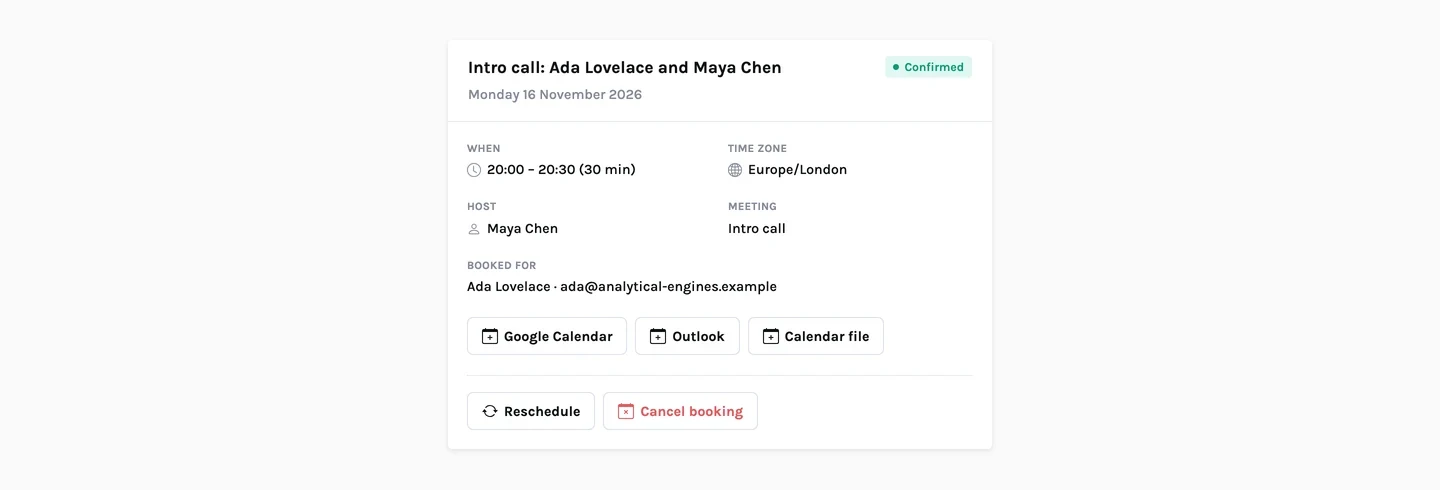
Reschedule and cancel without email ping-pong
Every booking comes with a private manage link. Here is what the invitee sees, what the host sees, what happens to the calendar event and the reminders, and what each email contains.
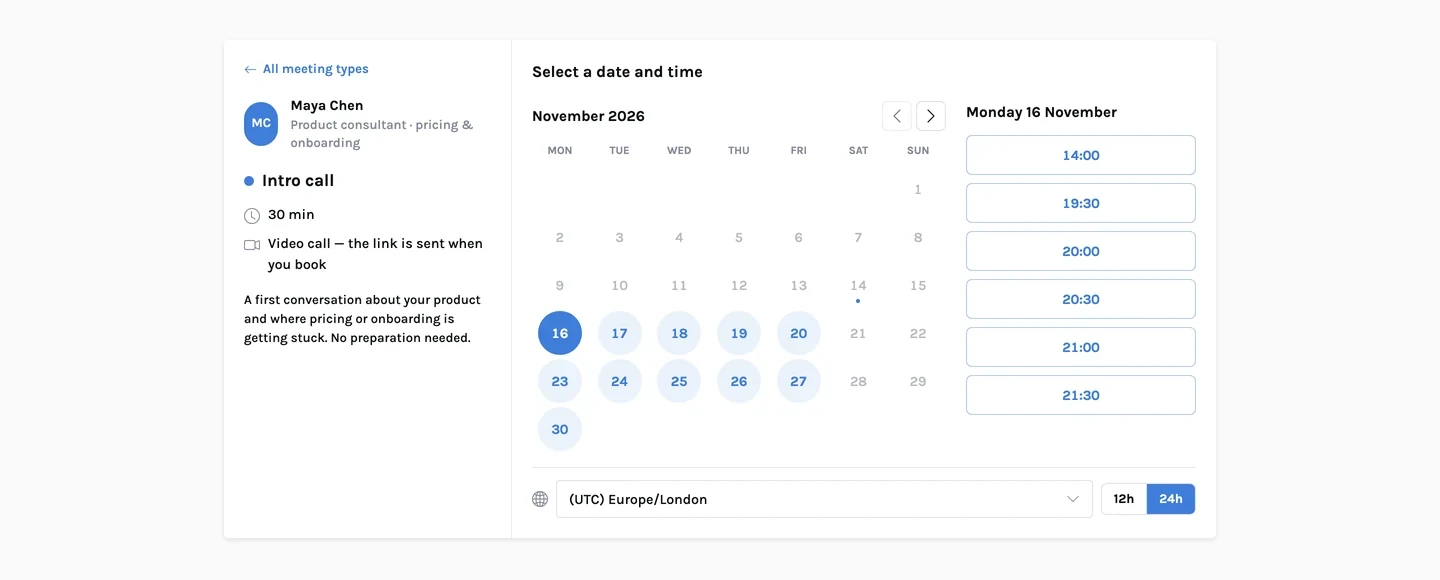
How CalFlare prevents double-booking
Several calendars, buffers, a page that can be out of date, and two people clicking the same time at once. Here is how each case is handled, explained simply.
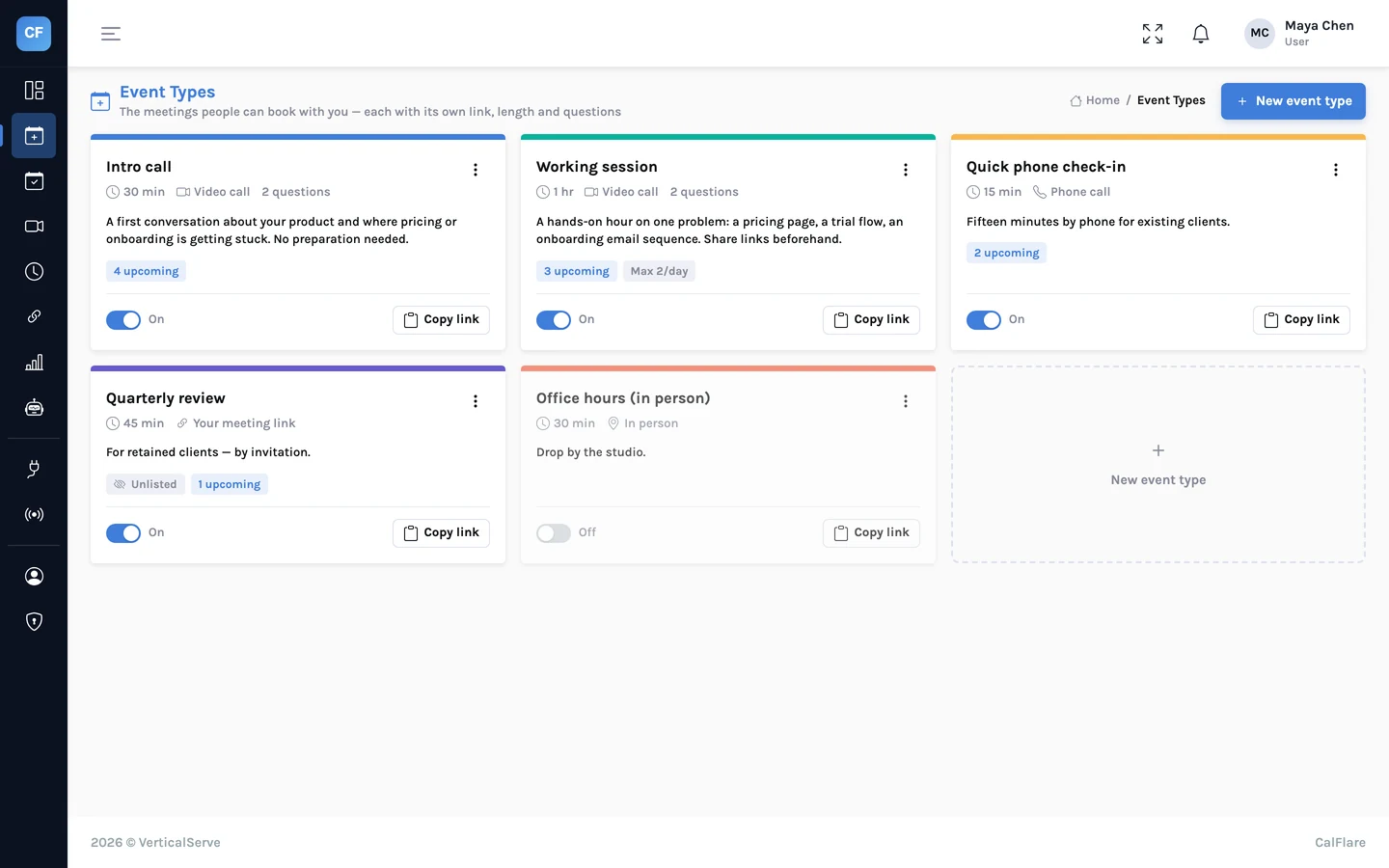
Event types that fit how you actually meet: three setups
A consultant, a recruiter and a customer-success manager each need different rules for different meetings. Here are the exact event-type settings for all three.
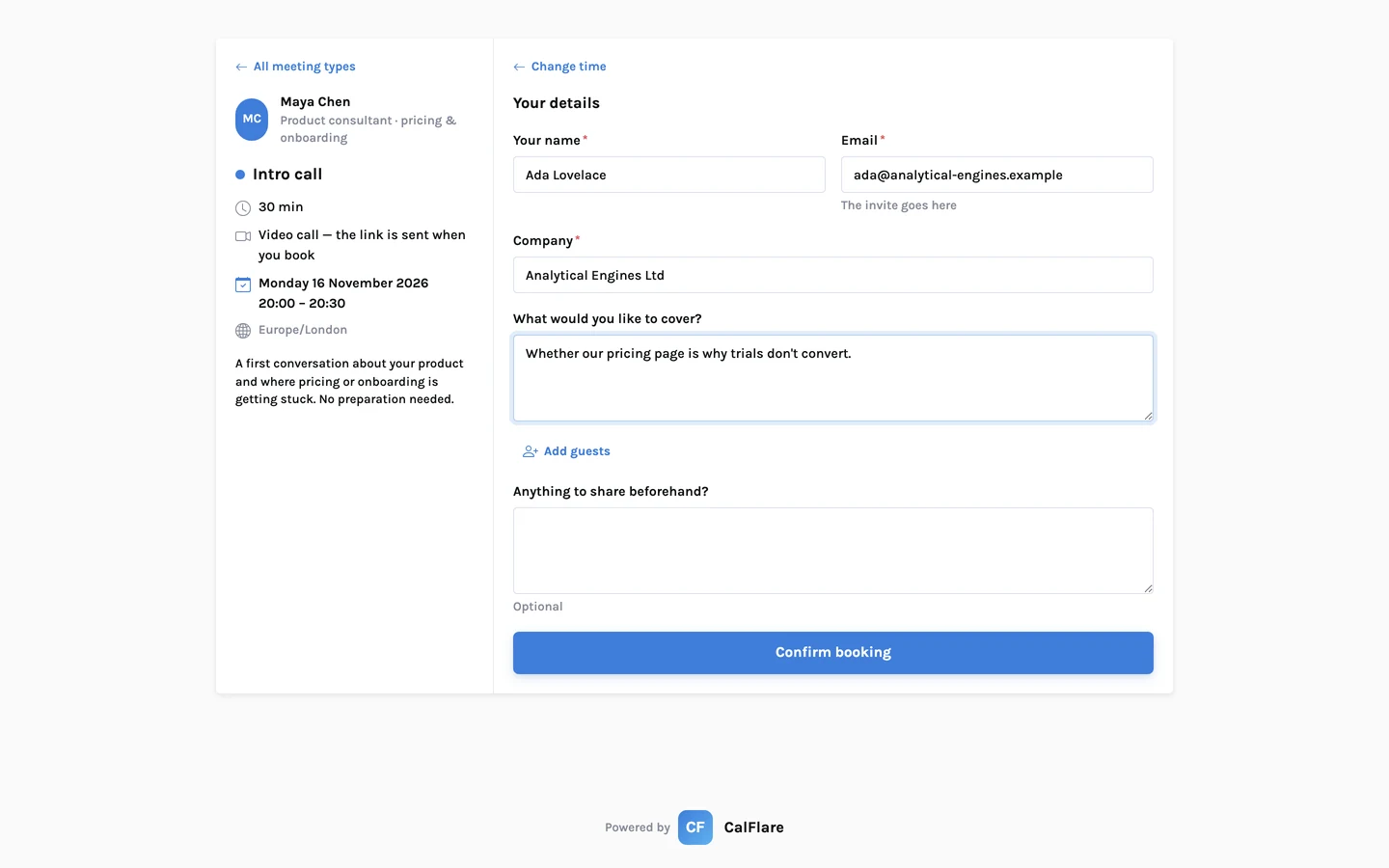
Intake questions that make meetings shorter
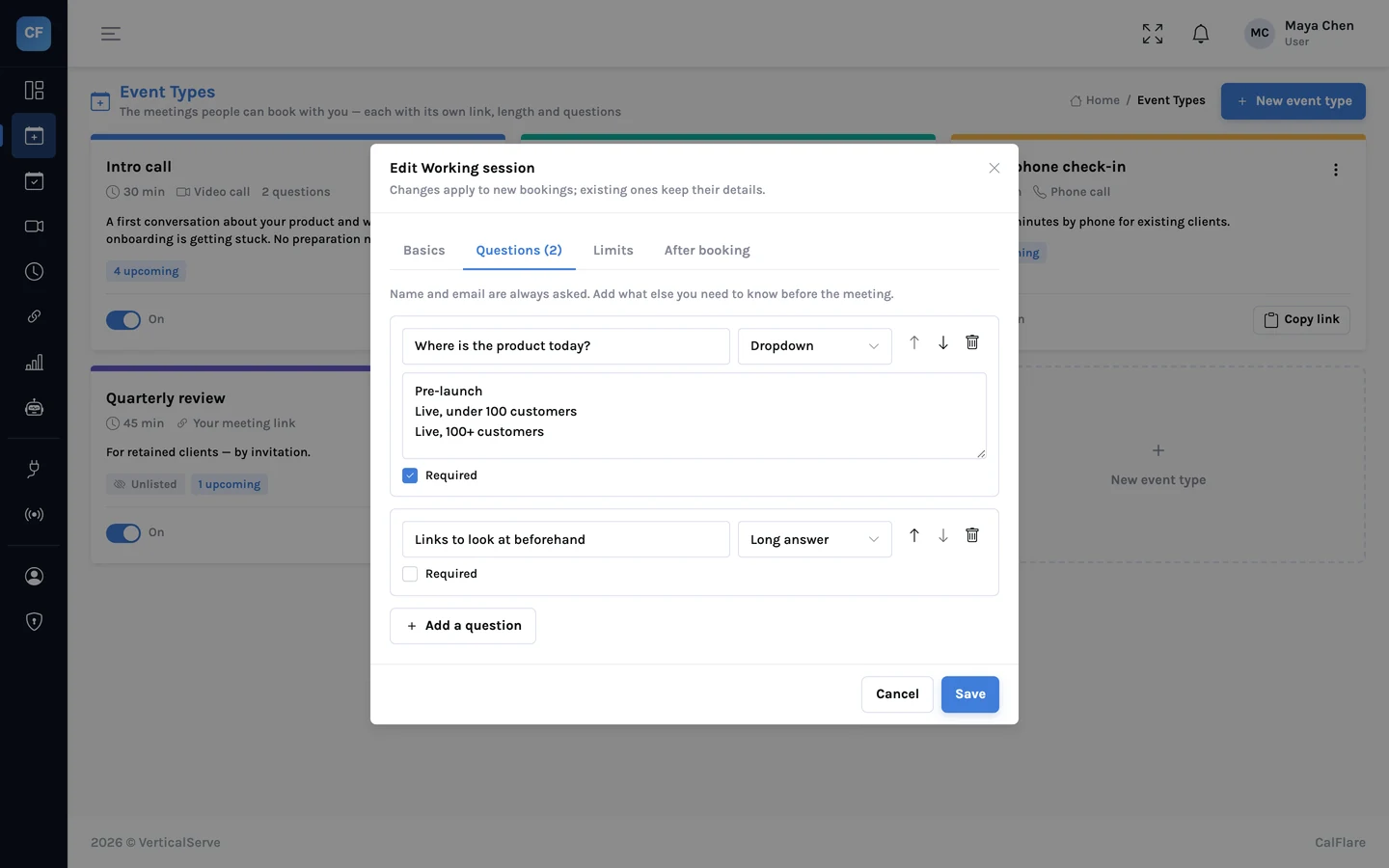
The first five minutes of most meetings are spent asking things that could have been asked on the booking form. What to ask, what to leave optional, and example question sets for four roles.
Buffers, notice and daily limits: protecting your calendar
A public booking link will fill every gap you leave open. Four settings stop that. Worked examples with real numbers: 30-minute meetings, 15-minute buffers, 4 hours' notice, at most 4 a day.
Time zones and daylight saving without the mistakes
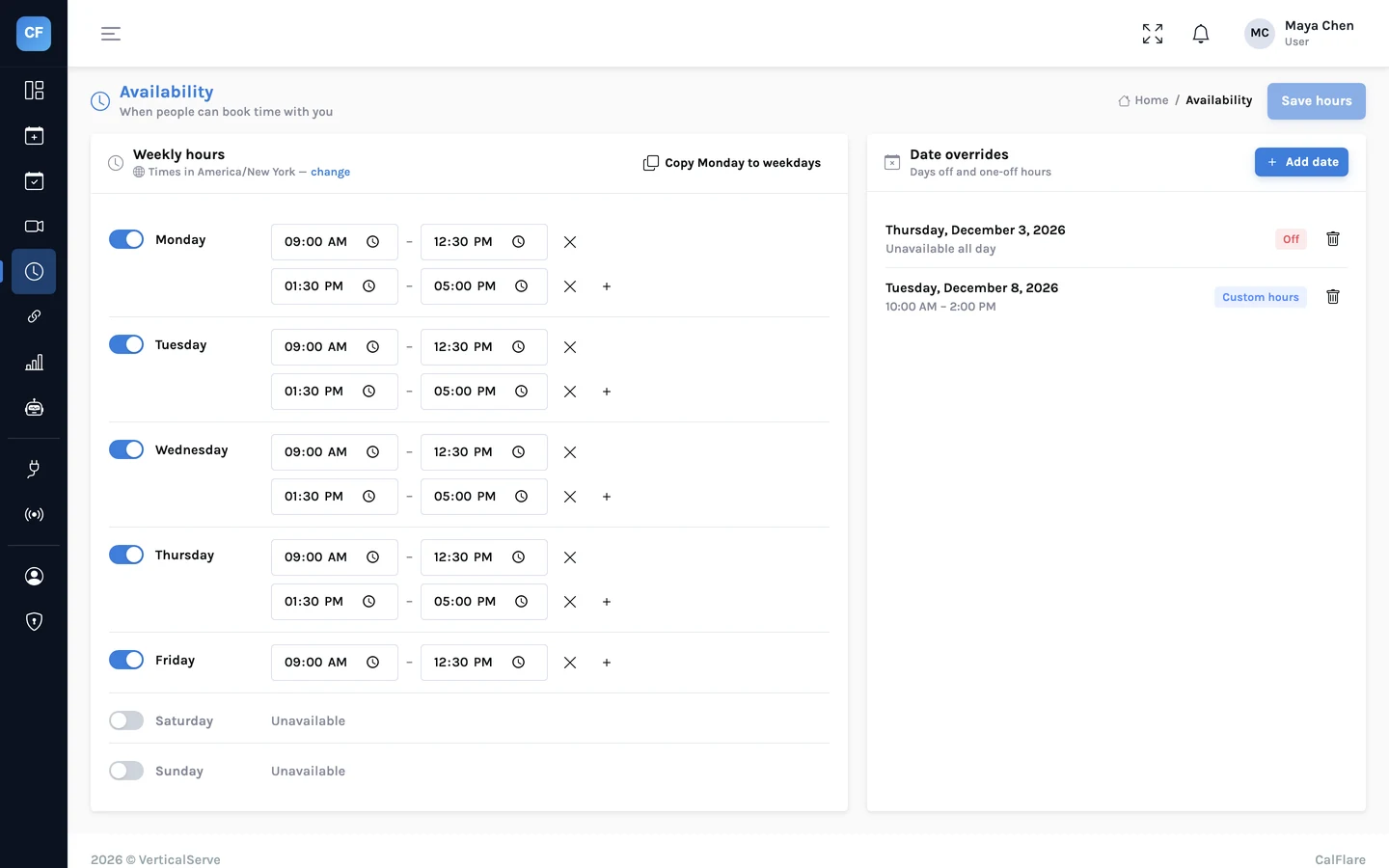
You set hours in your zone. Invitees see theirs. A worked New York, London and Bengaluru example, including the weeks each year when the usual gap between cities changes.
Share one link. Let people pick a time.
Connect a calendar, set your hours, and send your booking link. CalFlare is free to get started.