
Event types
A link for each kind of meeting you take
A 15-minute intro and a 90-minute workshop should not share one set of rules. An event type is one kind of meeting with its own link, length, place, questions and limits.
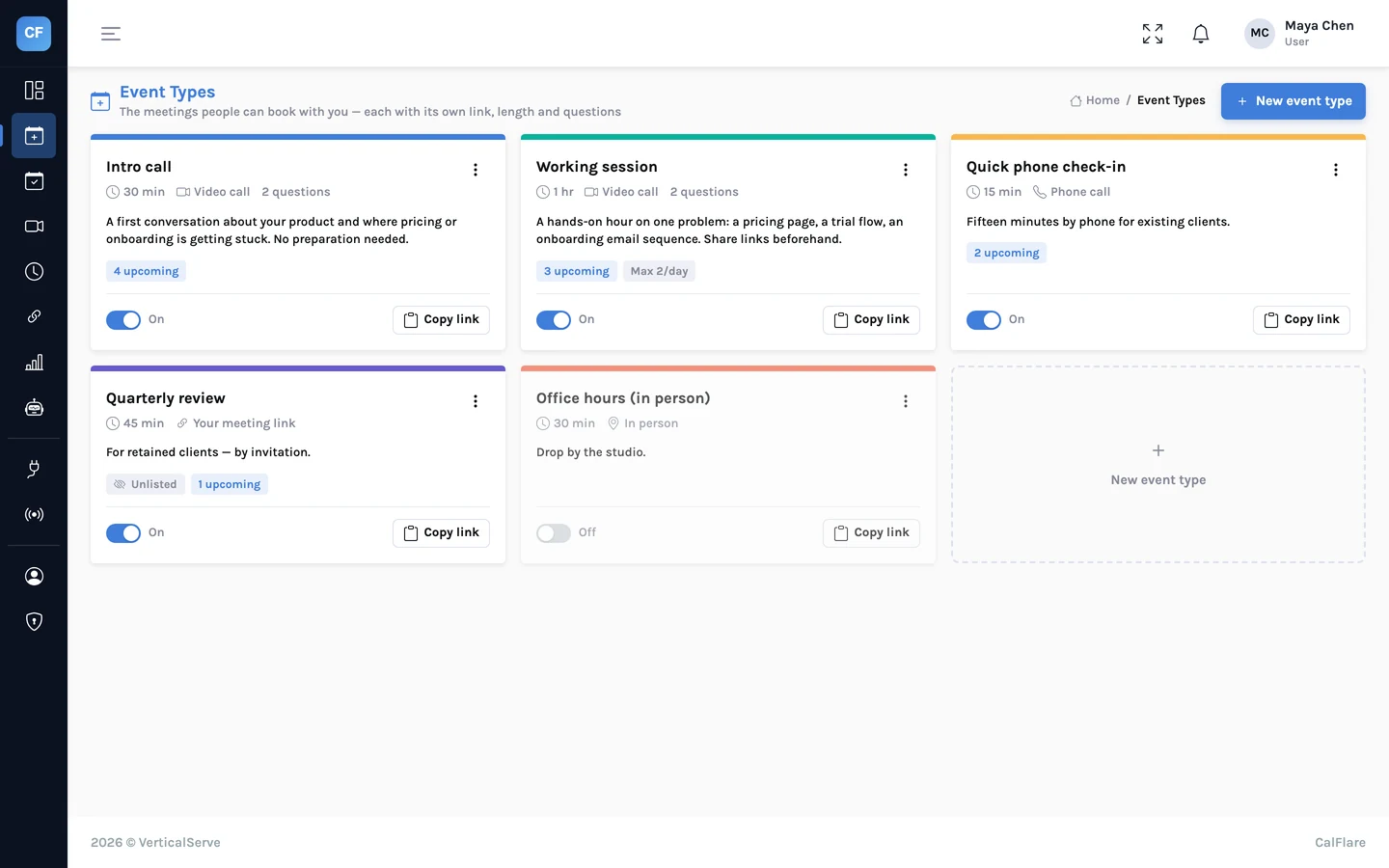
One list
All your meeting kinds in one place
Create up to 30 event types. Give each a name, a description and a colour. Reorder them, duplicate one to start the next, or turn one off without deleting it.
- Each event type has its own link
- Duplicate, reorder, turn off
- Unlisted types are bookable only by direct link
Length and place
How long, and where
A meeting can be any length from 5 minutes to 8 hours. Choose where it happens, and the invitee is told in the confirmation.
- Video: a Google Meet or Microsoft Teams link is created by your connected calendar
- Phone call, or in person with an address
- A custom meeting link, such as your Zoom room, shown only after booking
Questions
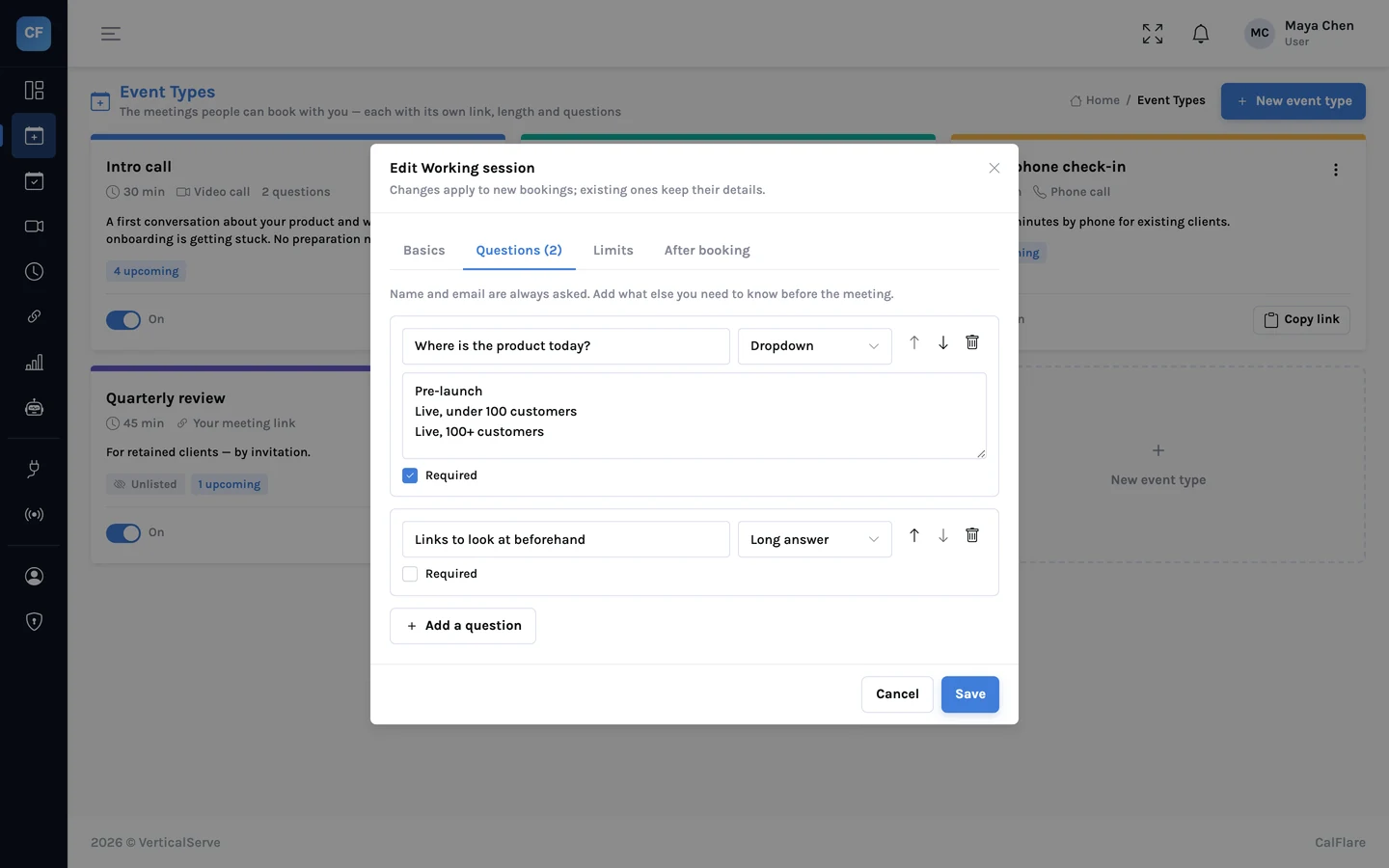
Ask before the meeting, not during it
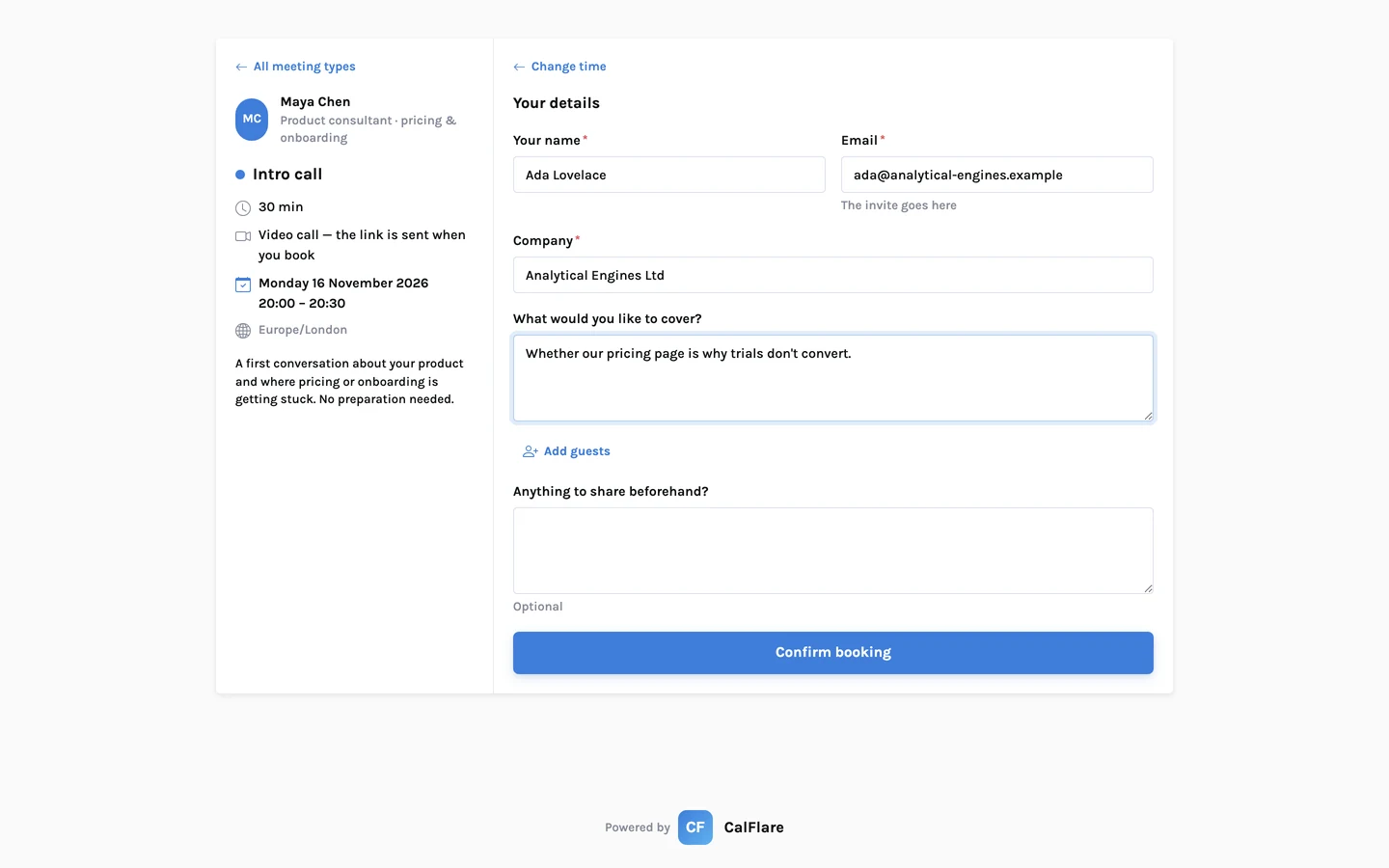
Add up to 10 intake questions per event type. Answers arrive in your confirmation email and on the booking in the console.
- Short text, long text, dropdown or phone number
- Each question required or optional
- A custom confirmation message, and an optional redirect to your own page after booking
The details
What you can set on an event type
- How many
- Up to 30 event types per host.
- Length
- 5 minutes to 8 hours.
- Location
- Video link created by the connected calendar (Google Meet or Microsoft Teams), phone call, in person with an address, or a custom meeting link revealed only after booking.
- Intake questions
- Up to 10: text, long text, dropdown or phone; required or optional.
- Start-time spacing
- How far apart offered start times are.
- Buffers
- Free time kept before and after each meeting.
- Minimum notice
- The shortest notice at which this type can be booked.
- Booking window
- How far ahead it can be booked.
- Daily limit
- The most bookings of this type in one day.
- Visibility
- Listed on your page, or hidden and bookable only by direct link.
- After booking
- A custom confirmation message, and an optional redirect to your own page.
- Housekeeping
- Duplicate, reorder, turn off.
Share one link. Let people pick a time.
Connect a calendar, set your hours, and send your booking link. CalFlare is free to get started.