
Connected to your calendar, your website and your own systems
CalFlare connects in three directions: to the calendars it reads, to the website where people find you, and to the systems that need to know a booking happened.
Google Calendar and Microsoft 365
Connect accounts with the provider's own sign-in (OAuth); CalFlare never sees your password. Busy time on every connected calendar is removed from your open slots, and new bookings are written to your primary calendar.
- Google Calendar, Microsoft 365 and Outlook
- Busy time from all connected calendars counts
- The invitee and guests are invited to the calendar event
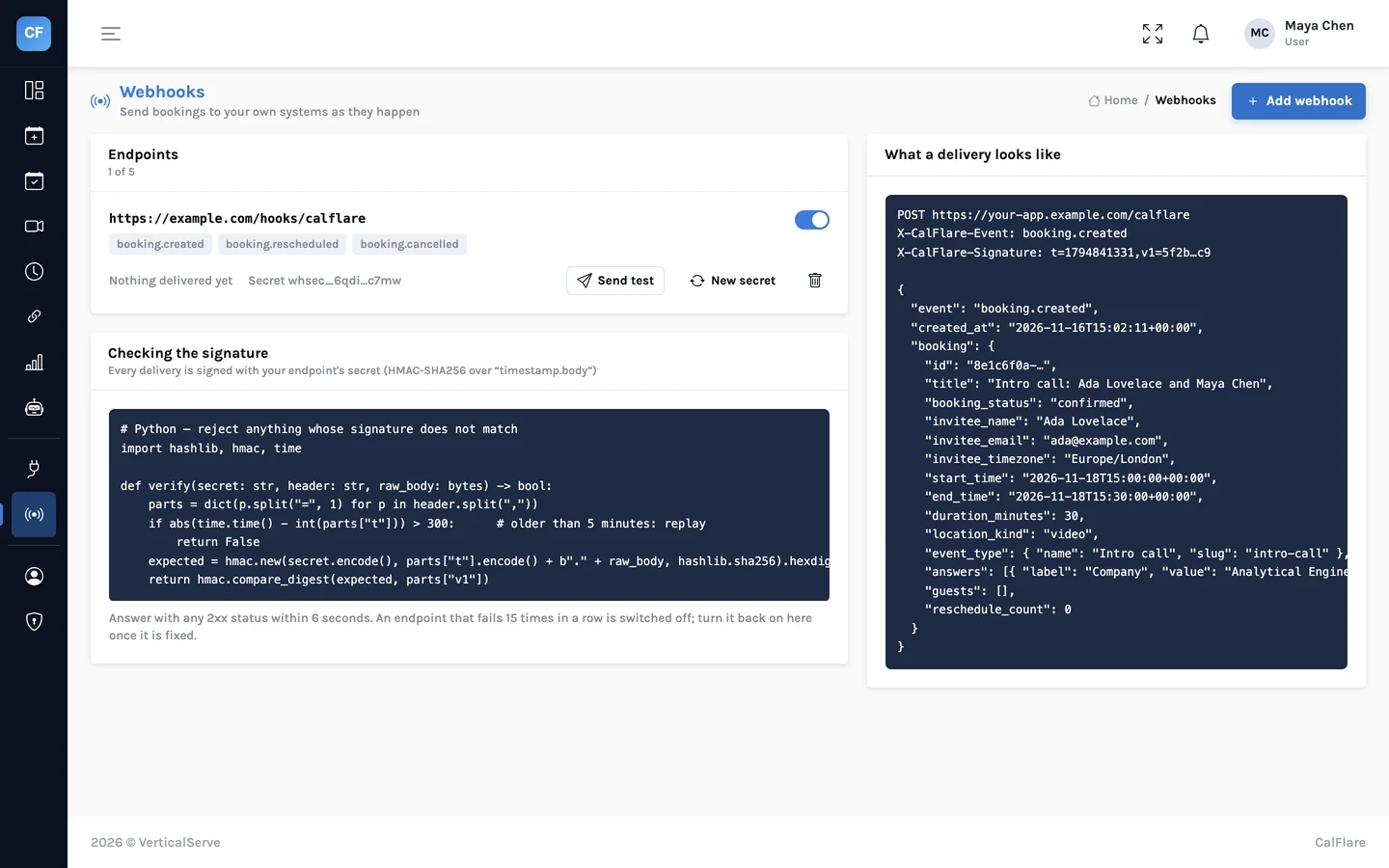
Every calendar, one view
The Meetings view shows events from all your connected calendars by day, week or month, so you can see what your booking page is working around.
- Day, week and month
- Events across calendars
- Video links created by the calendar: Google Meet or Microsoft Teams
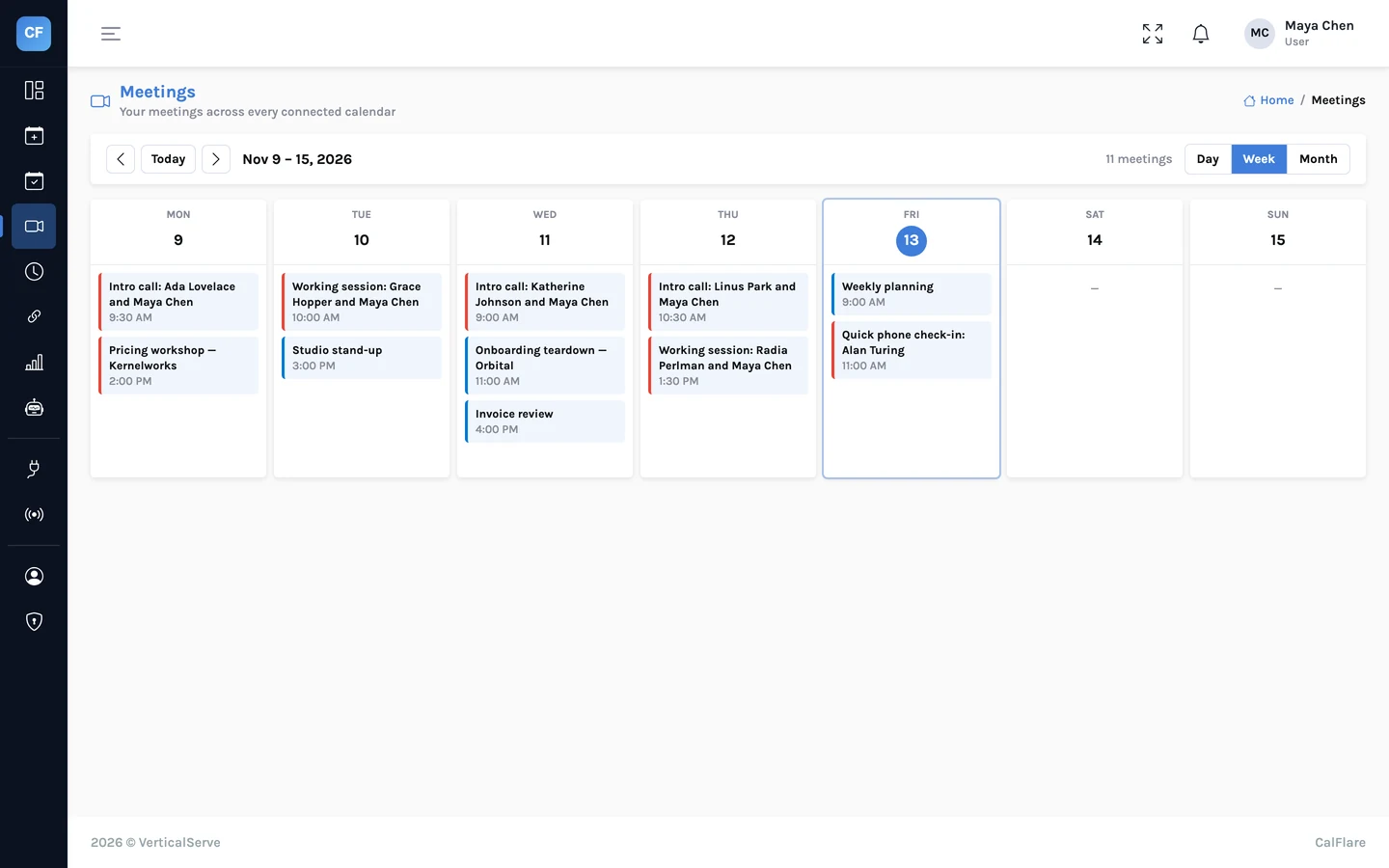
Your booking page, on your website
Copy your link, or put the booking page on your own site. Use the inline snippet to show it inside a page, or the popup button to open it in a small window.
- Inline iframe snippet
- "Book a time" popup button snippet
- Prefill name and email through the link
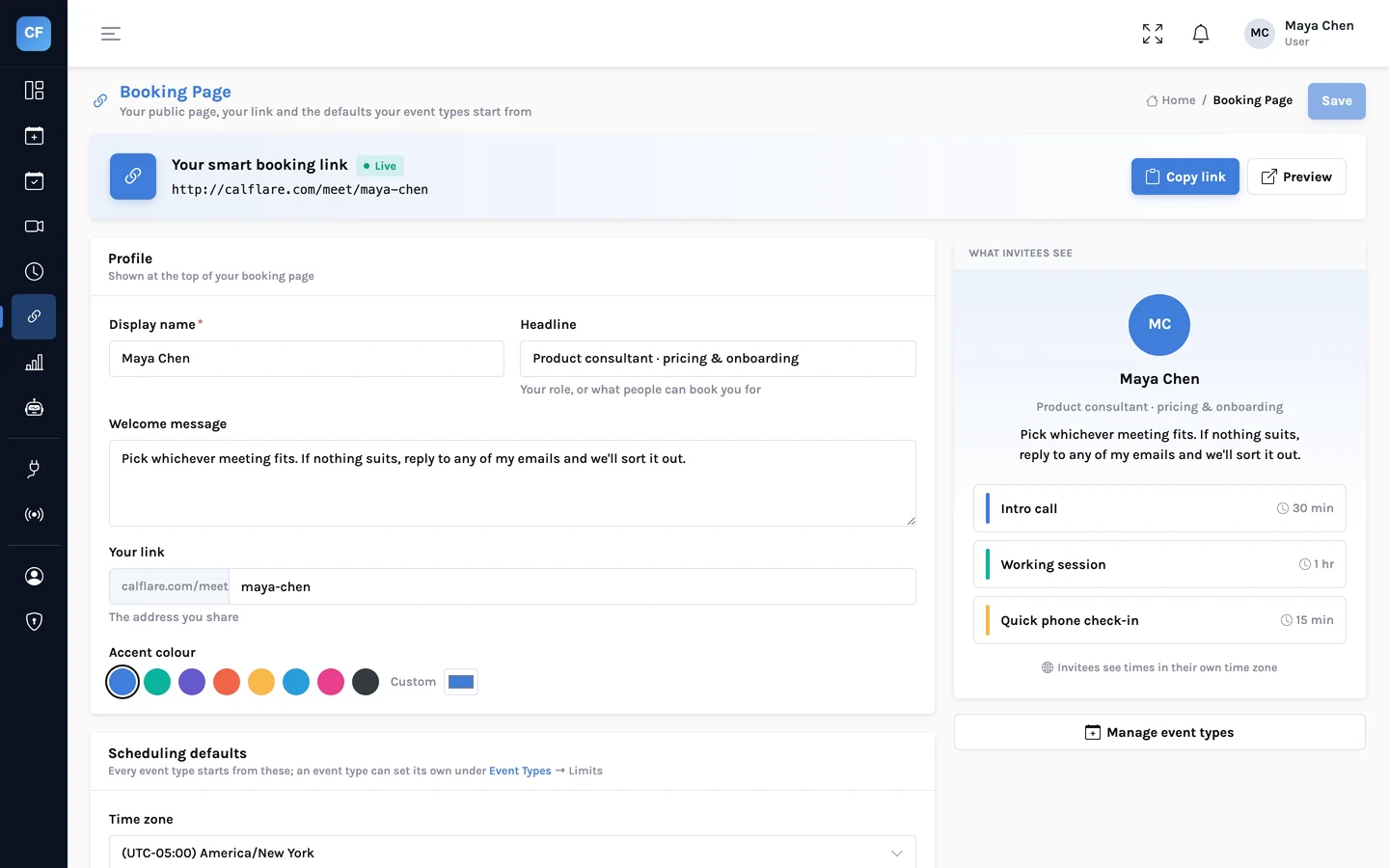
Calendars, embeds and webhooks
- Calendar providers
- Google Calendar; Microsoft 365 and Outlook. Connected with OAuth.
- Calendar access
- Reading busy times and events, and creating the events people book.
- Video links
- Google Meet or Microsoft Teams, created automatically by the connected calendar.
- Other meeting tools
- No native Zoom or Webex integration. You can set a custom meeting link, such as a Zoom room, on an event type.
- Embed
- Inline iframe or popup button. Prefill with ?name= and &email=.
- Webhook events
- booking.created, booking.rescheduled, booking.cancelled.
- Webhook endpoints
- Up to 5 HTTPS endpoints per host, with a test-send button.
- Webhook signing
- HMAC-SHA256 in the X-CalFlare-Signature header. The secret is shown once and can be rotated.
- Failing endpoints
- An endpoint that keeps failing is switched off.
- Not yet
- Zapier app, Salesforce and HubSpot integrations. Webhooks are the way to connect those today.
The embed snippets
Replace your-name with your own link name. Both snippets are plain HTML and work on any site that lets you add HTML.
<iframe src="https://app.calflare.com/meet/your-name?embed=1" style="width:100%;min-height:760px;border:0" loading="lazy" title="Book a time"></iframe><a href="https://app.calflare.com/meet/your-name" onclick="window.open(this.href+'?embed=1','calflare','width=520,height=760');return false;">Book a time</a>https://app.calflare.com/meet/your-name?name=Ada%20Lovelace&email=ada@example.comThe webhook signature
Every delivery is a JSON POST with this header. The signature is an HMAC-SHA256, made with your endpoint's secret, over the timestamp, a full stop and the raw request body.
X-CalFlare-Signature: t=<unix>,v1=<hex>
signed text:  "<t>.<body>"
The webhooks article has a full payload and verification code in Python and Node.
Share one link. Let people pick a time.
Connect a calendar, set your hours, and send your booking link. CalFlare is free to get started.