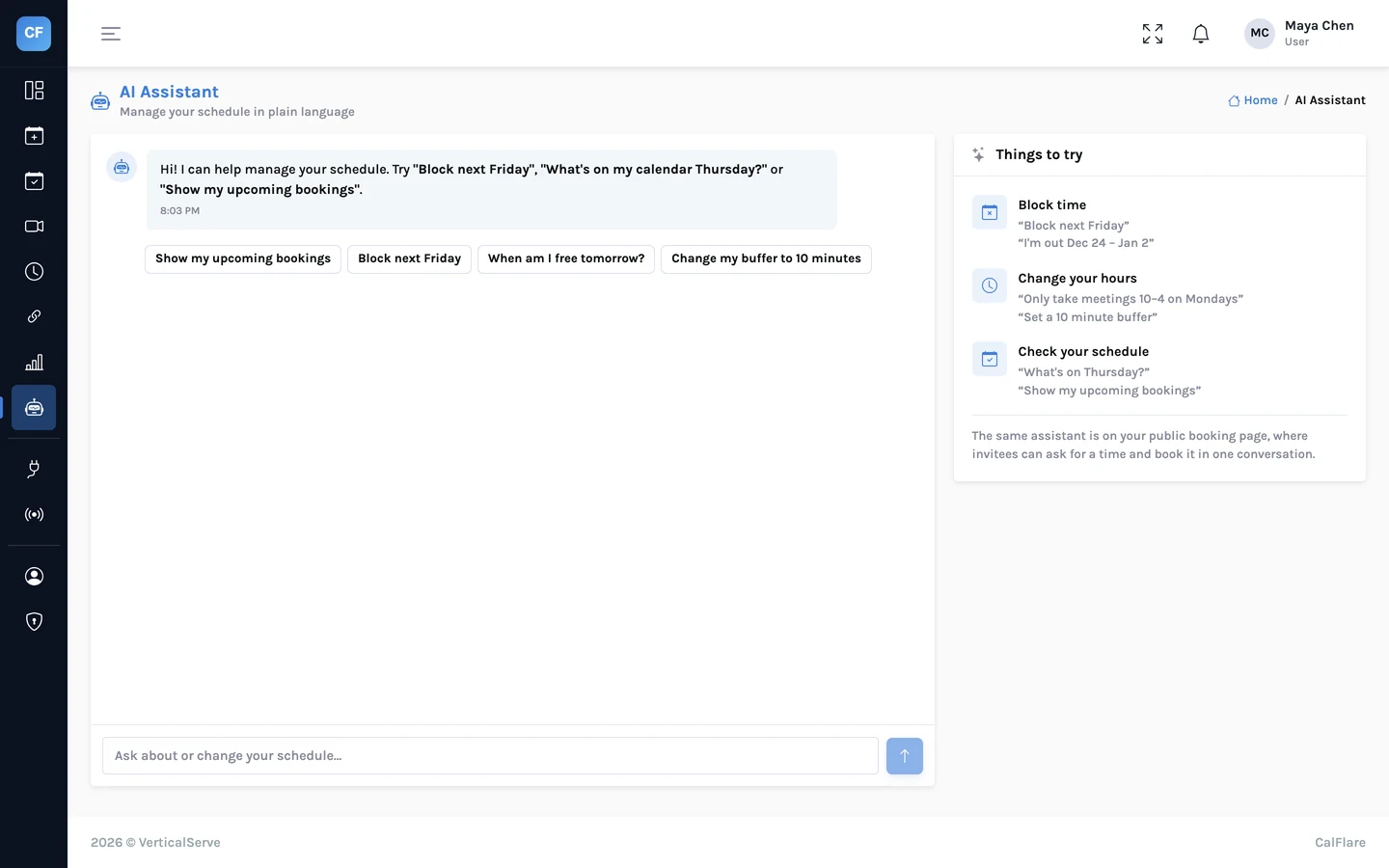
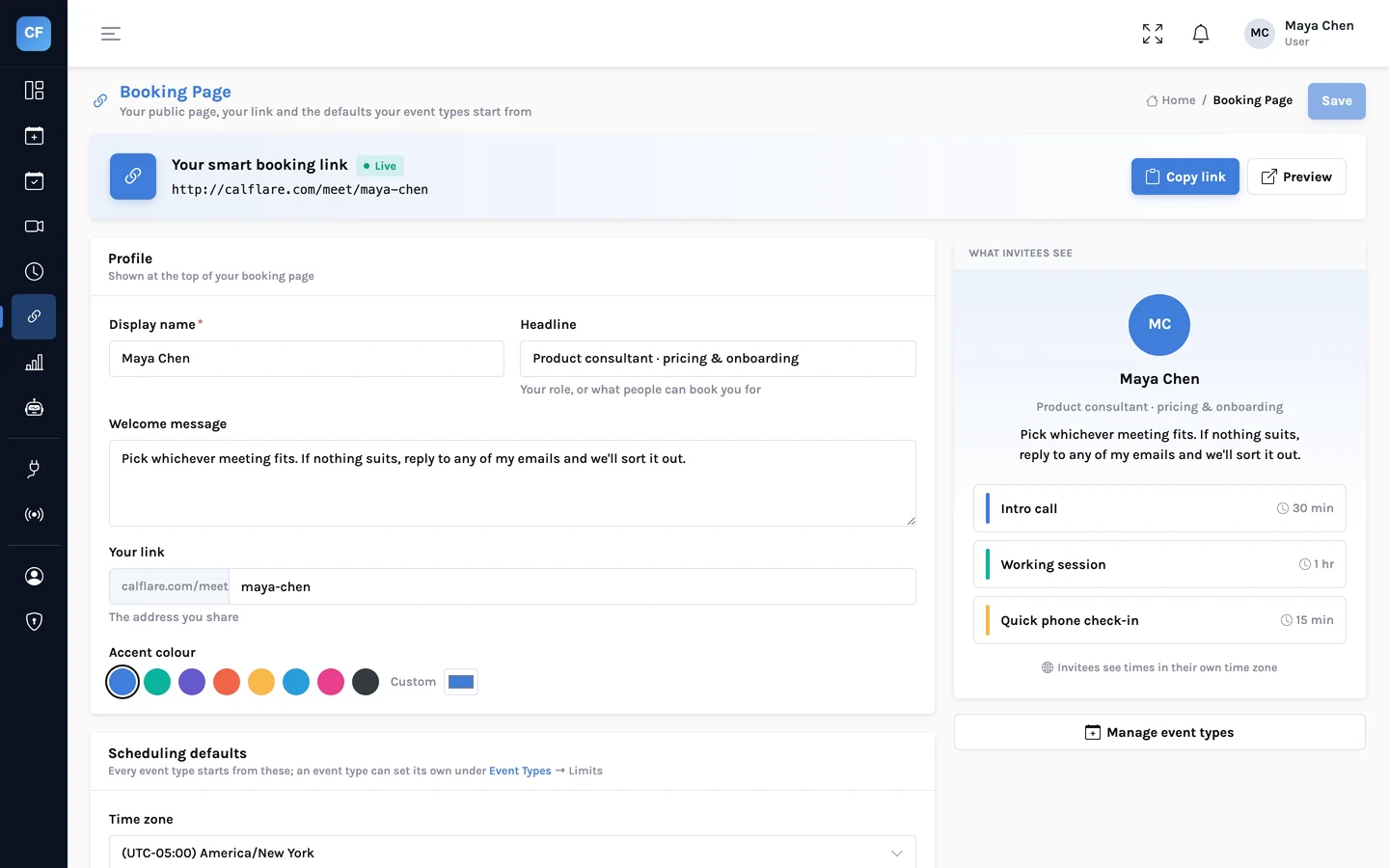
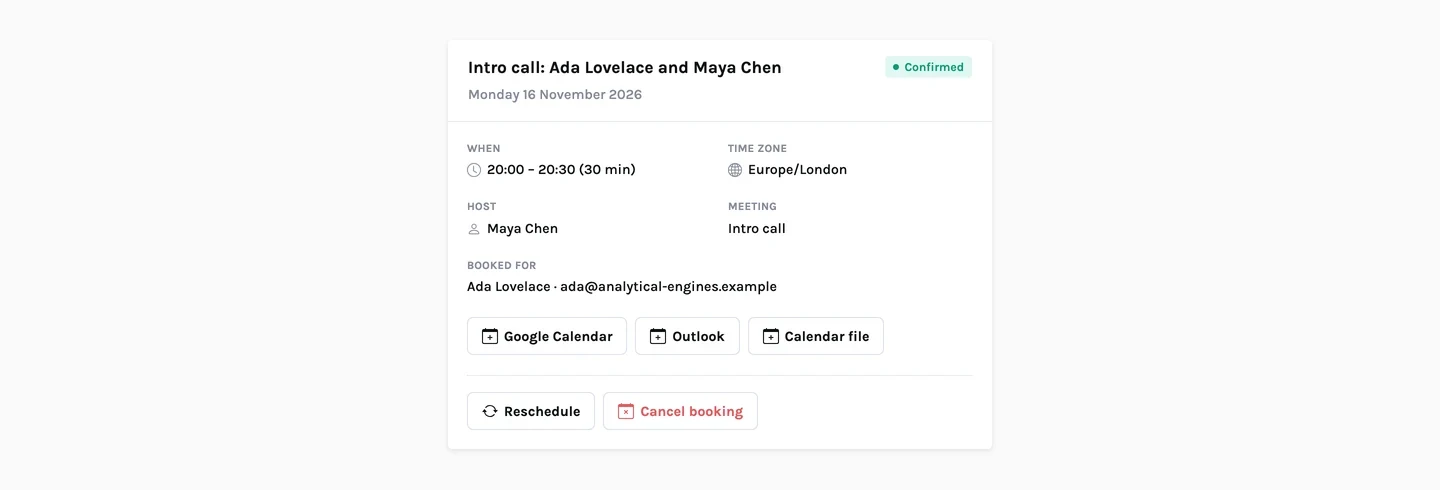
A booking is information that other systems want. The CRM should know a prospect booked. The team channel wants a line when a demo is scheduled. Someone keeps a spreadsheet.
CalFlare has no built-in connector for each of those. It has something more general: webhooks. When a booking changes, CalFlare sends a small signed message to an address you choose, and your code decides what to do with it.
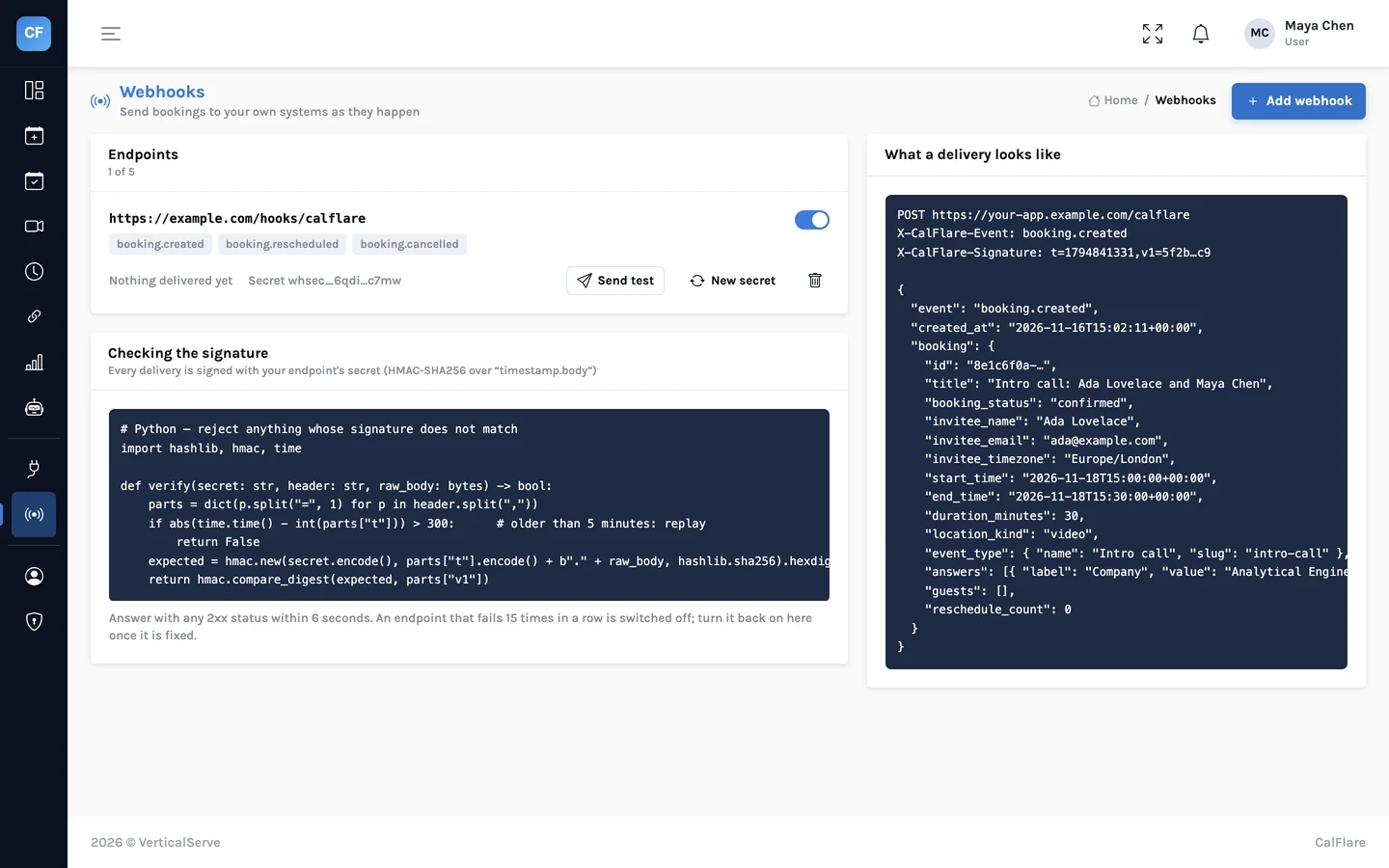
The basics
| What | Details |
|---|---|
| Events | booking.created, booking.rescheduled, booking.cancelled |
| Endpoints | Up to 5 per host. Each must be an https:// address on the public internet |
| Format | A JSON POST |
| Signature | HMAC-SHA256, in the X-CalFlare-Signature header |
| Secret | Shown once when you create the endpoint. It can be rotated |
| Testing | A test-send button delivers a sample to your endpoint |
| Failures | An endpoint that keeps failing is switched off |
The payload
Every event has the same shape: the event name, when it was sent, and the booking as it now stands.
booking.created{
"event": "booking.created",
"created_at": "2026-11-16T15:02:11+00:00",
"booking": {
"id": "…",
"title": "Intro call: Ada Lovelace and Maya Chen",
"booking_status": "confirmed",
"invitee_name": "Ada Lovelace",
"invitee_email": "ada@example.com",
"invitee_timezone": "Europe/London",
"start_time": "2026-11-18T15:00:00+00:00",
"end_time": "2026-11-18T15:30:00+00:00",
"duration_minutes": 30,
"location_kind": "video",
"event_type": {"name": "Intro call", "slug": "intro-call"},
"answers": [{"label": "Company", "value": "Analytical Engines Ltd"}],
"guests": [],
"reschedule_count": 0
}
}- All times are in UTC with an offset.
invitee_timezonetells you the invitee's zone if you want to show their local time. answersholds the invitee's replies to your intake questions, by label.reschedule_countis 0 for a first booking and goes up each time the meeting moves.- On
booking.rescheduledthe times are the new ones. Onbooking.cancelled,booking_statusiscancelled. - The
idstays the same for the life of a booking. Use it as your key.
Verify the signature
Your endpoint is a public address. Anyone who learns it can post to it. The signature is how you tell a real delivery from a forged one, so check it on every request and before you do anything else.
X-CalFlare-Signature: t=<unix>,v1=<hex>t is the time the message was signed, in seconds. v1 is an HMAC-SHA256, in hex, of the text <t>.<body>: the timestamp, a full stop, and the request body exactly as received. The key is your endpoint's secret.
To verify: build the same text, compute the same HMAC with your secret, and compare. Also reject a timestamp that is too old, so a captured message cannot be replayed later.
Python
import hashlib
import hmac
import time


def verify(secret: str, header: str, body: bytes, tolerance: int = 300) -> bool:
    """True if `body` was signed by CalFlare with `secret`, recently."""
    parts = dict(item.split("=", 1) for item in header.split(",") if "=" in item)
    t, v1 = parts.get("t", ""), parts.get("v1", "")
    if not t.isdigit() or abs(time.time() - int(t)) > tolerance:
        return False
    expected = hmac.new(secret.encode(), t.encode() + b"." + body, hashlib.sha256).hexdigest()
    return hmac.compare_digest(expected, v1)


# In your handler, with the RAW request body (bytes), before any JSON parsing:
#   if not verify(SECRET, request.headers["X-CalFlare-Signature"], raw_body):
#       return 400
Node
const crypto = require("crypto");

function verify(secret, header, rawBody, toleranceSeconds = 300) {
  const parts = Object.fromEntries(
    String(header || "").split(",").map((item) => item.split("=", 2))
  );
  const t = parts.t || "", v1 = parts.v1 || "";
  if (!/^\d+$/.test(t) || Math.abs(Date.now() / 1000 - Number(t)) > toleranceSeconds) return false;
  const expected = crypto.createHmac("sha256", secret).update(t + "." + rawBody).digest("hex");
  const a = Buffer.from(expected), b = Buffer.from(v1);
  return a.length === b.length && crypto.timingSafeEqual(a, b);
}

// Express: keep the raw body, verify, then parse.
//   app.post("/calflare", express.raw({ type: "application/json" }), (req, res) => {
//     if (!verify(process.env.CALFLARE_SECRET, req.get("X-CalFlare-Signature"), req.body)) return res.sendStatus(400);
//     const event = JSON.parse(req.body);
//     res.sendStatus(200);          // answer first, then do the slow work
//   });
Use the raw body
The signature covers the exact bytes that were sent. If your framework parses the JSON and you turn it back into text, spacing and key order can change and the signature will not match. Read the raw body, verify, then parse.
Two smaller points. Compare with a constant-time function, as both examples do. And the five-minute tolerance is our suggestion, not a rule: pick what suits your clocks.
Answer quickly
CalFlare waits only a few seconds for your endpoint. A reply with a 2xx status counts as delivered. Anything else, including a redirect or a timeout, counts as a failure, and an endpoint that fails many times in a row is switched off.
- Reply 200 as soon as the signature checks out. Do slow work afterwards.
- A delivery is attempted once. If your endpoint was down, that event is not sent again, so do not make webhooks your only record. The bookings list and the CSV export are the source of truth.
- Be ready to see the same booking more than once across events. Key everything on the booking
id.
What to build on the other end
A CRM
On booking.created, find the contact by invitee_email or create it, then add an activity with the title and start time. Copy the answers into fields: "Company" is already labelled. On booking.cancelled, mark the activity cancelled. CalFlare has no native Salesforce or HubSpot integration yet; a small receiver that calls your CRM's API does this job today.
Slack or another chat tool
Chat tools expect their own message format, so you cannot point CalFlare straight at a Slack incoming-webhook address. Put a small function in between: it receives the event, verifies it, and posts one line.
The line your function might postNew booking: Intro call with Ada Lovelace (Analytical Engines Ltd), Wed 18 Nov, 15:00 UTCA spreadsheet
The same pattern: a small function that verifies the event and appends a row with the id, event, invitee, start time and answers. Update the row with the same id when a reschedule or cancellation arrives. If you only need the numbers once a month, skip the code: export bookings to CSV instead.
Looking after the secret
- The secret is shown once. Store it in your host's secret settings or an environment variable, not in your code.
- If it may have leaked, rotate it in the console and update your receiver.
- CalFlare refuses endpoints that point at internal or private addresses. Your receiver must be reachable from the internet.
- The endpoint is HTTPS and answers within a couple of seconds.
- The signature is verified against the raw body on every request.
- Old timestamps are rejected.
- The test-send button produced a 2xx reply.
- Your code handles all three events and keys on the booking id.
More on how webhook targets and other public surfaces are protected: Security.
Add your first endpoint
Create an endpoint in the console, copy the secret and press test-send. CalFlare is free to get started.
Get started free