
How people who meet for a living set CalFlare up
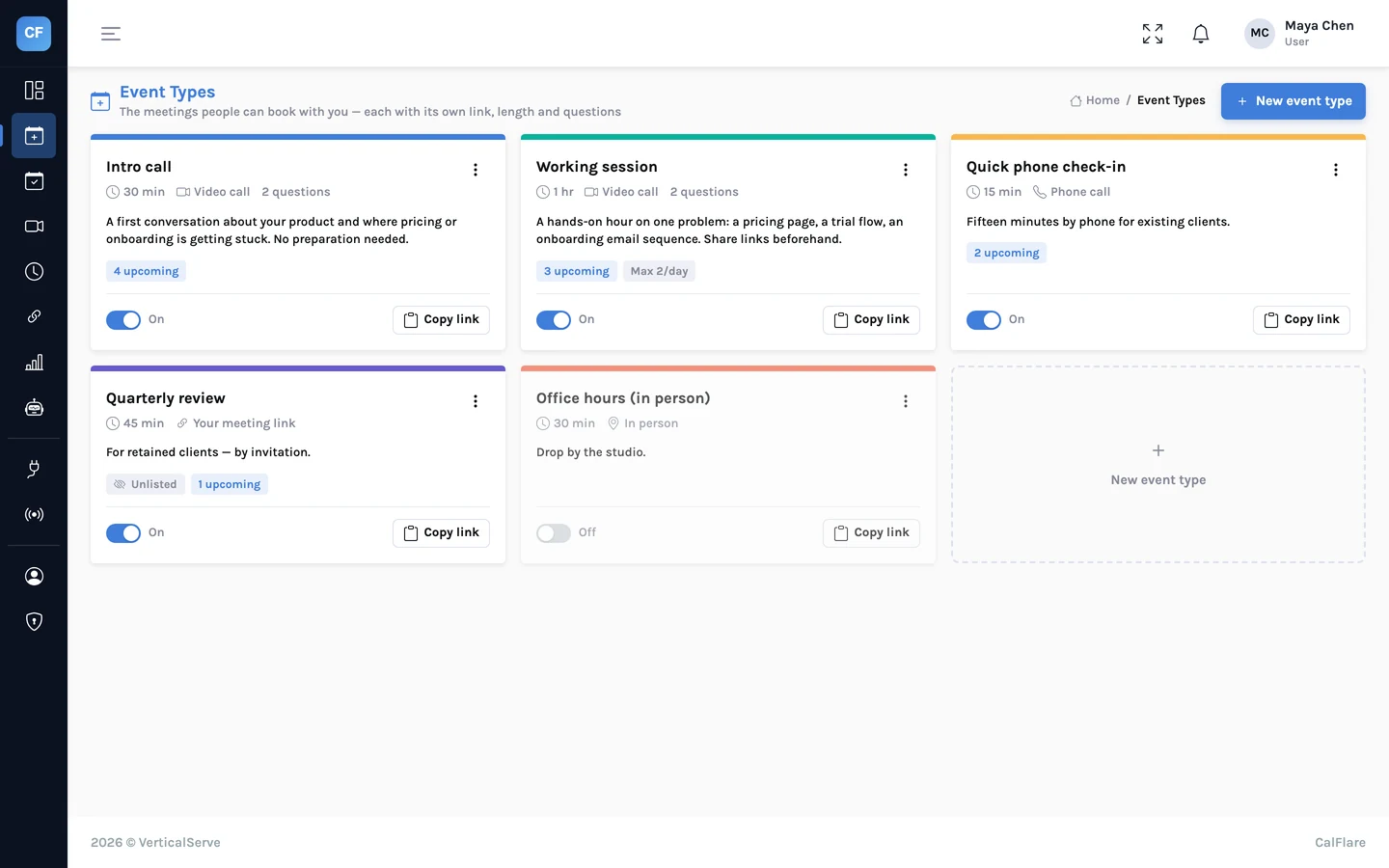
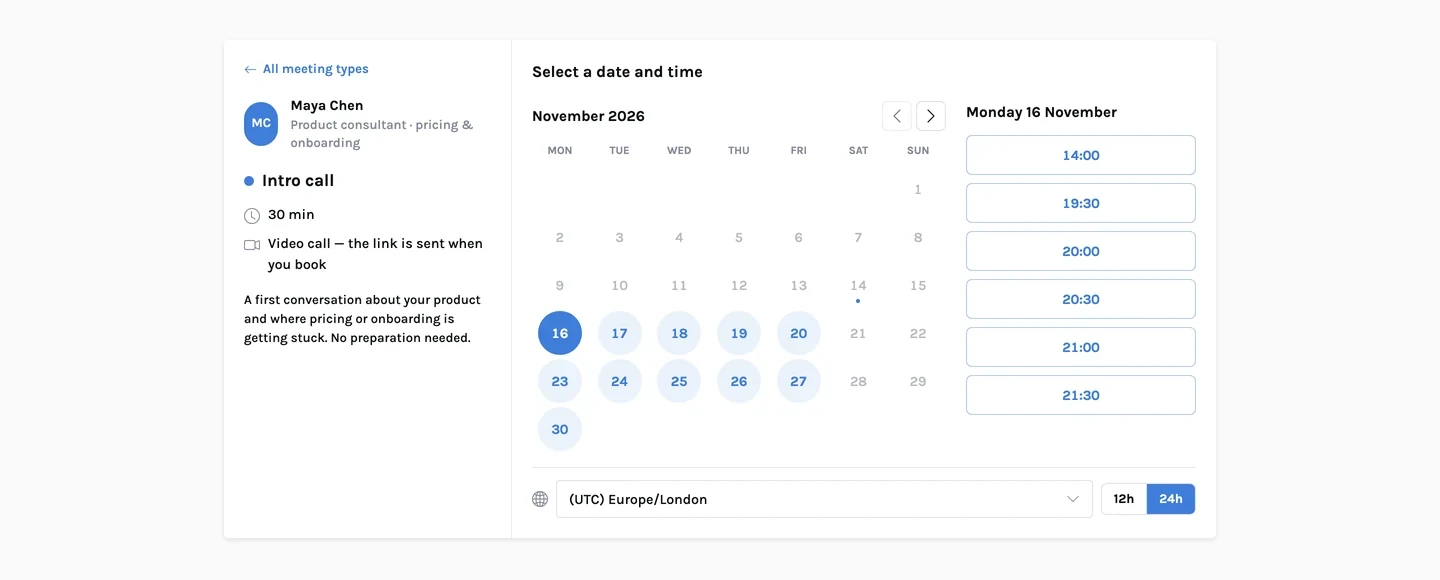
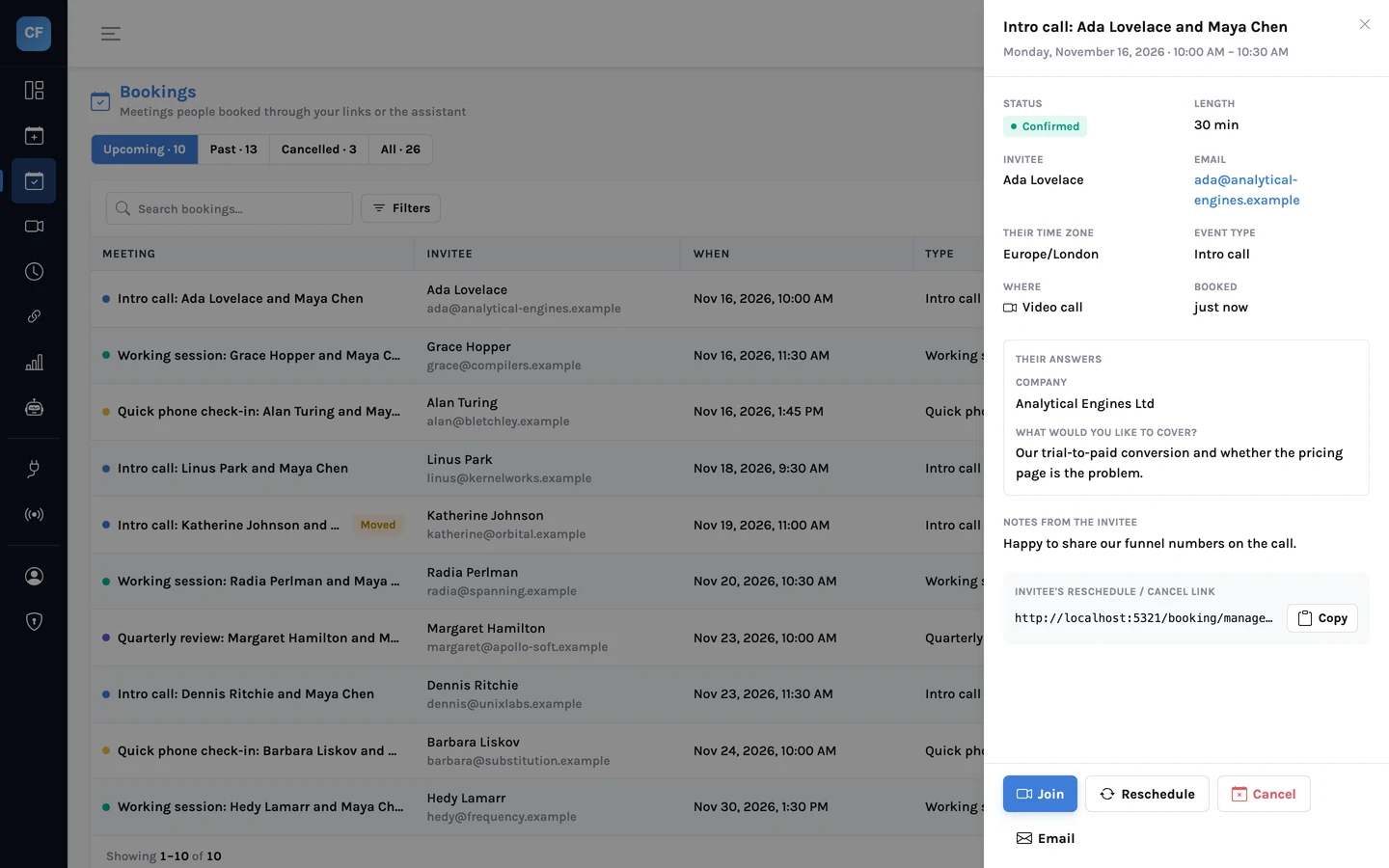
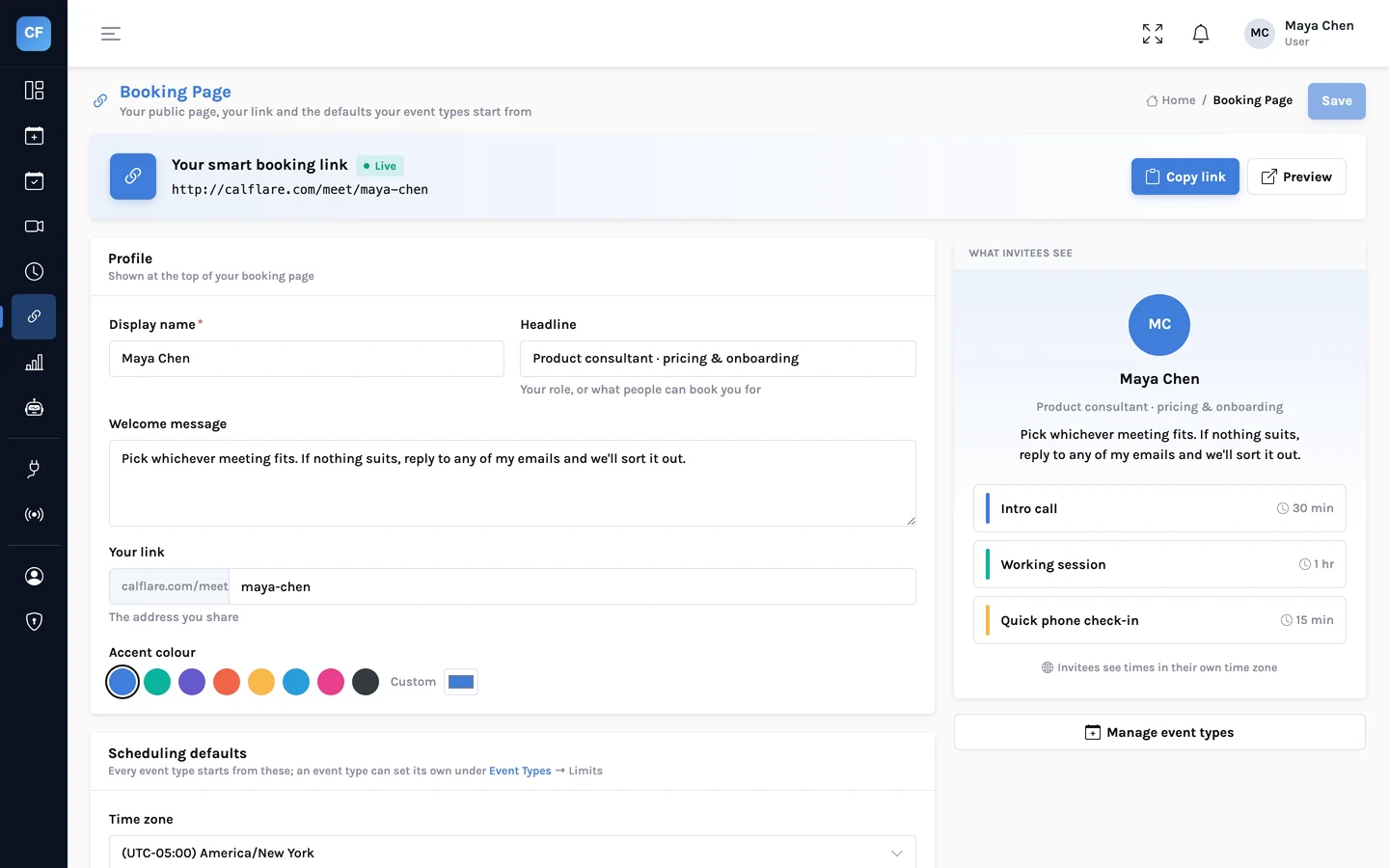
Six common setups, each using only what the product does today. The screenshots show a fictional host, Maya Chen, a product consultant.
Separate the free intro from the paid hour
You take three kinds of call: a short one with a stranger, a long one with a client, and a quick one to decide whether something is urgent. Each deserves its own rules.
- A 20-minute intro call with a 24-hour notice and a daily limit, so prospects never fill a day
- A 60-minute working session, hidden, sent only to clients
- Intake questions that ask what the person wants to get out of the call
- Buffers so you can write up notes before the next one
Screens in the open, final rounds by invitation
Put the screening call on your public page. Keep the final-round interview as a hidden event type and send its link only to the candidates who get that far.
- A 30-minute screening call anyone with the link can book
- A hidden 60-minute final round, bookable only by direct link
- Required questions: the role applied for, a phone number
- Candidates in other countries see times in their own zone
Onboarding calls and check-ins that book themselves
Send new customers an onboarding link and existing ones a check-in link. A redirect after booking can take them to your own preparation page.
- A 45-minute onboarding session with questions about goals and setup
- A 25-minute check-in with a wider booking window
- Guests, so the customer can bring a colleague
- Webhooks to record each booking in your CRM
A demo link on the website
Embed the booking page on your contact page, or put a "Book a time" button in the header. Prefill the link when you already know who you are writing to.
- Inline embed or popup button on your own site
- Prefilled name and email in links you send by email
- Reminder emails about a day and about an hour before
- No-show and cancellation rates in analytics
Sessions inside the hours you choose
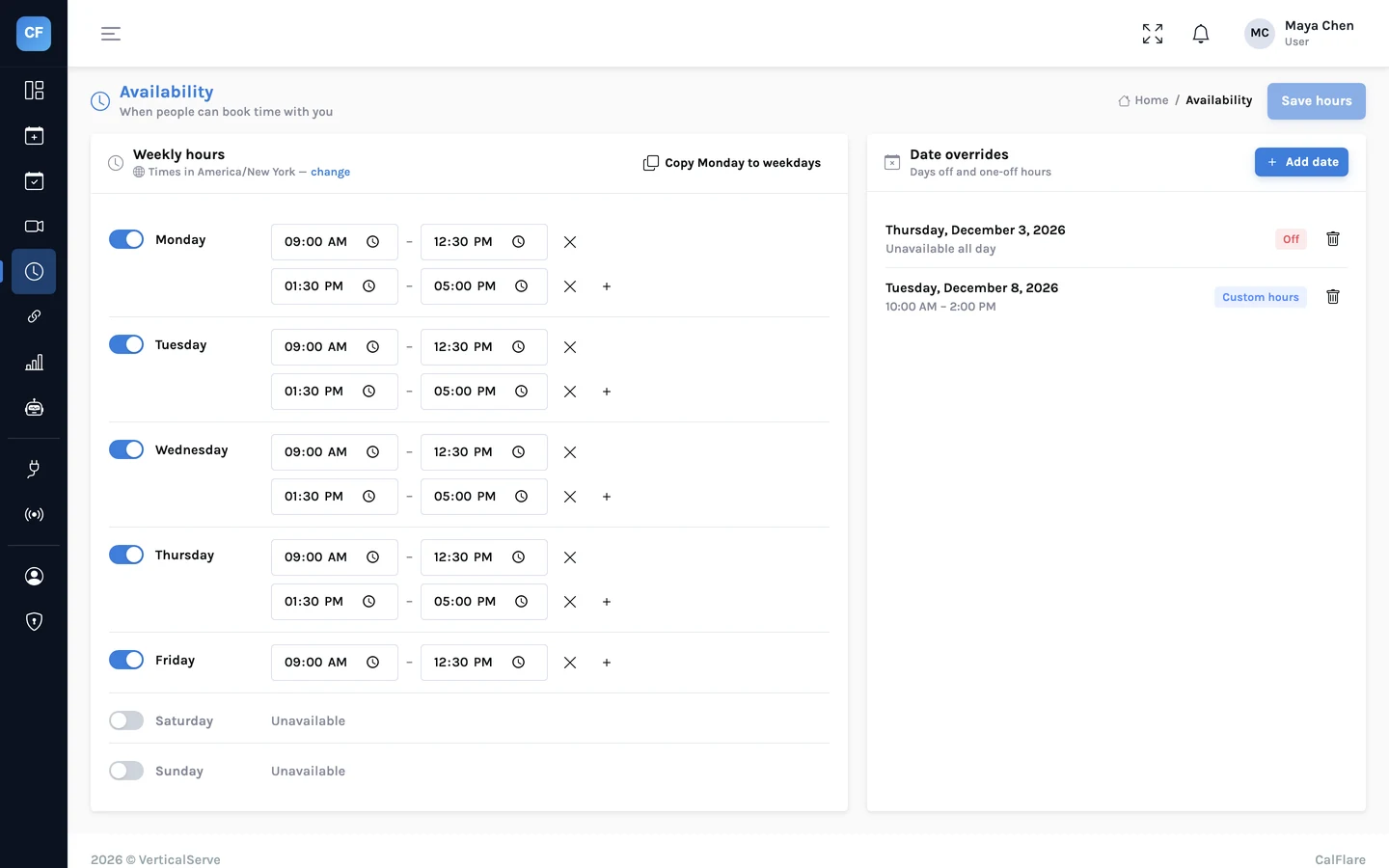
Set the hours you teach, add a date override for the week you are away, and let people pick a session. They can move it themselves if something comes up.
- Weekly hours with several ranges a day
- Date overrides for holidays and one-off changes
- In-person sessions with an address, or a video link
- A manage link so clients reschedule without messaging you
A small number of slots, protected
Offer short slots in one or two blocks a week. A daily limit and start-time spacing keep them orderly, and the assistant can answer "anything on Thursday?" for people who would rather ask.
- 15-minute slots in fixed blocks
- A daily limit so office hours stay office hours
- Optional chat on the booking page to find a time
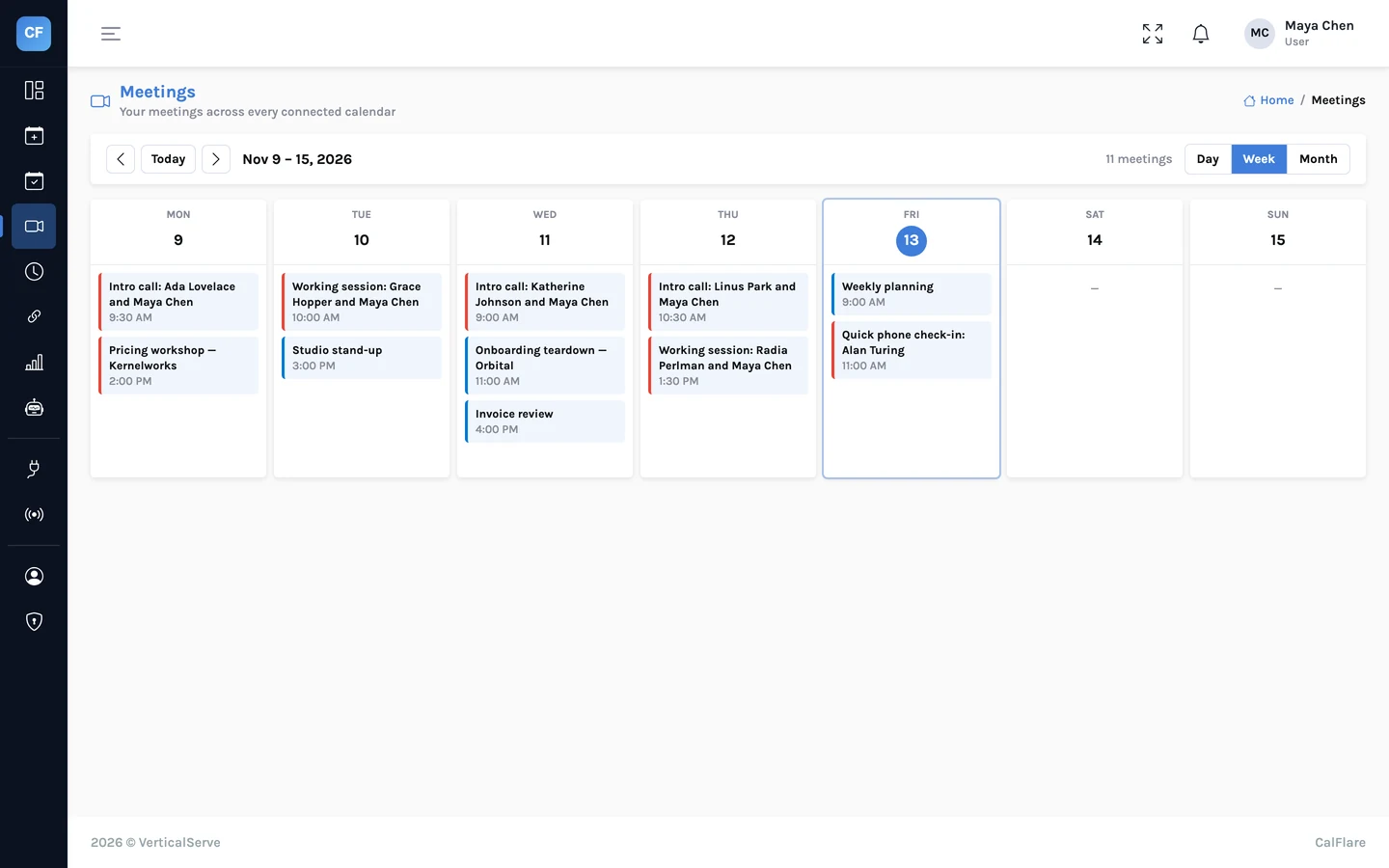
- A Meetings view of everything on your calendars
A note on teams
Every setup above is one host with one booking page. Several people in a company can each have their own CalFlare account and link, and that works well. What CalFlare does not do yet is share a meeting out across a team (round-robin) or find a time when several hosts are all free (collective events). If you need that today, see the comparison page.
For the exact settings behind three of these setups, read Event types that fit how you actually meet.
Share one link. Let people pick a time.
Connect a calendar, set your hours, and send your booking link. CalFlare is free to get started.