
AI scheduling assistant
Type what you want. The rules still apply.
The assistant is a second way to do what the screens do. It is useful because it is quick, and safe because it cannot go around the availability checks.
For hosts
Manage your schedule by saying it
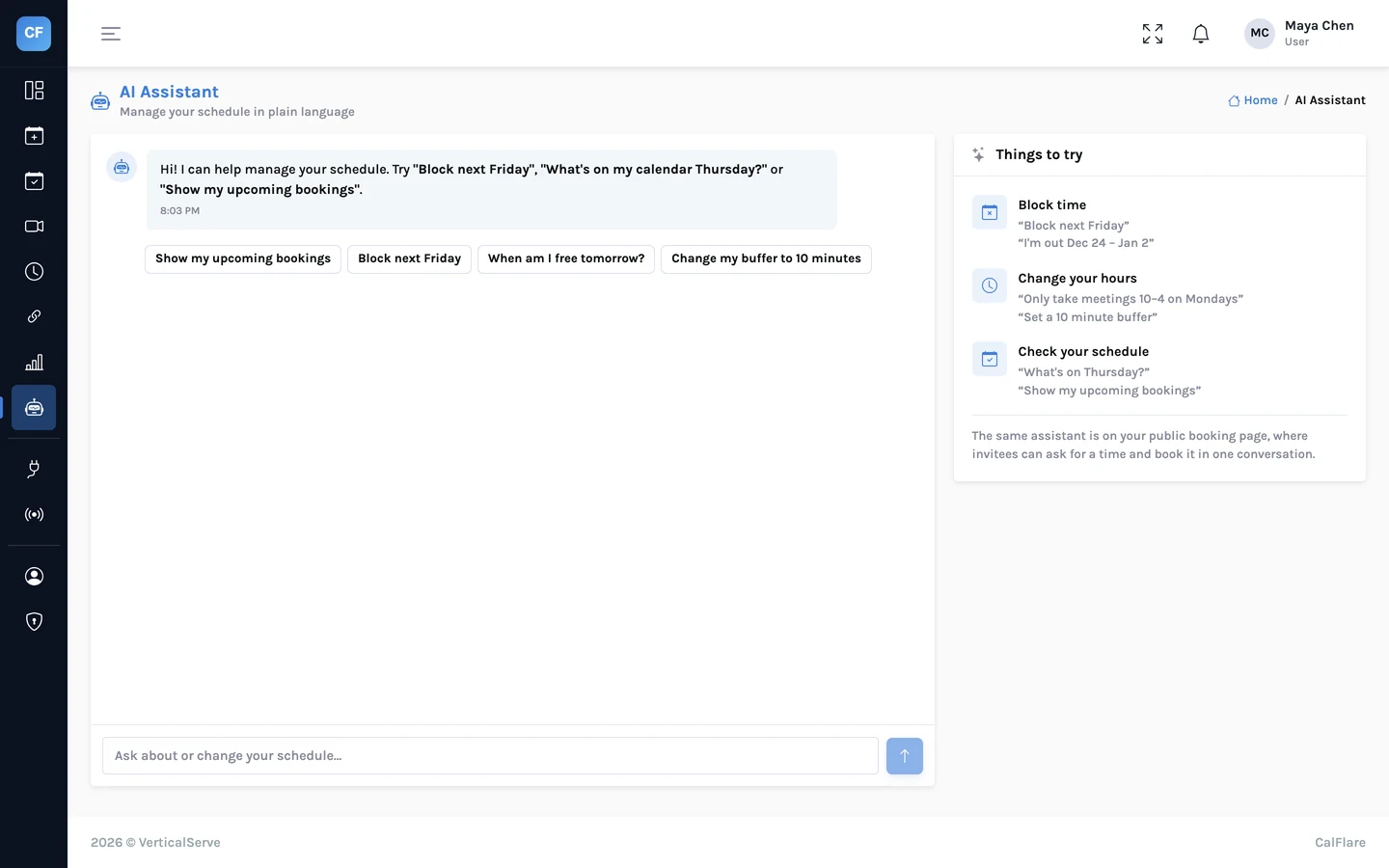
In the console, tell the assistant what should change or ask what is coming up. It turns the sentence into the same settings and lookups you would make by hand.
- "Block Friday afternoon"
- "What's on next week?"
- "Open Saturday morning this week"
For invitees
A chat instead of a calendar, if they prefer
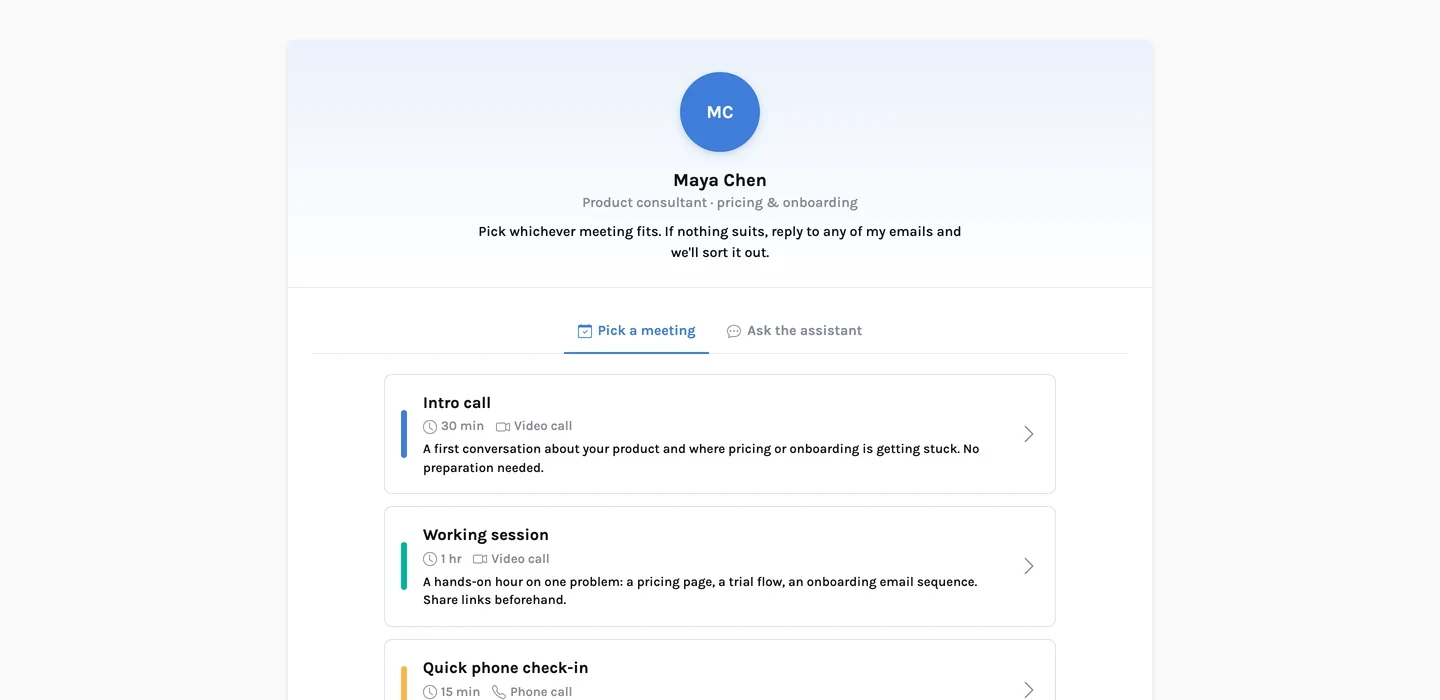
On your booking page, an invitee can describe when they are free. The assistant offers open times, and books the one they choose once it has their name and email.
- Optional: the calendar is always there
- Offers only times that are open
- The booking gets the same emails, calendar event and manage link
The details
What the assistant can and cannot do
- Host requests
- Block or open time, change scheduling preferences such as buffers and notice, list upcoming bookings, check open times.
- Invitee requests
- Find open times for a day or part of a day, and book one.
- Availability
- It can only offer and book times that are open. A booking made through chat goes through the same server-side checks as the form.
- Usage
- Capped per day, for signed-in hosts and for the public chat on each booking page.
- Rate limits
- The public assistant is rate-limited per address, like the booking form.
- What it cannot do
- Offer or book a time that the availability checks would refuse. If a slot is taken while the invitee is chatting, the booking is declined.
A sentence"Anything Thursday afternoon?"
Understood as a requestCheck open times, Thursday, after noon
The same checks as the formHours, calendars, buffers, notice, limits
An answerOnly times that are open
Share one link. Let people pick a time.
Connect a calendar, set your hours, and send your booking link. CalFlare is free to get started.