A booking link works anywhere you can paste a link: an email signature, a chat message, a social profile. On your own website you can do better. The visitor is already there and already interested. Sending them away to book is one more step.
CalFlare gives you two snippets for a website, and a way to prefill the form. All three are plain HTML and a URL. There is no script to install.
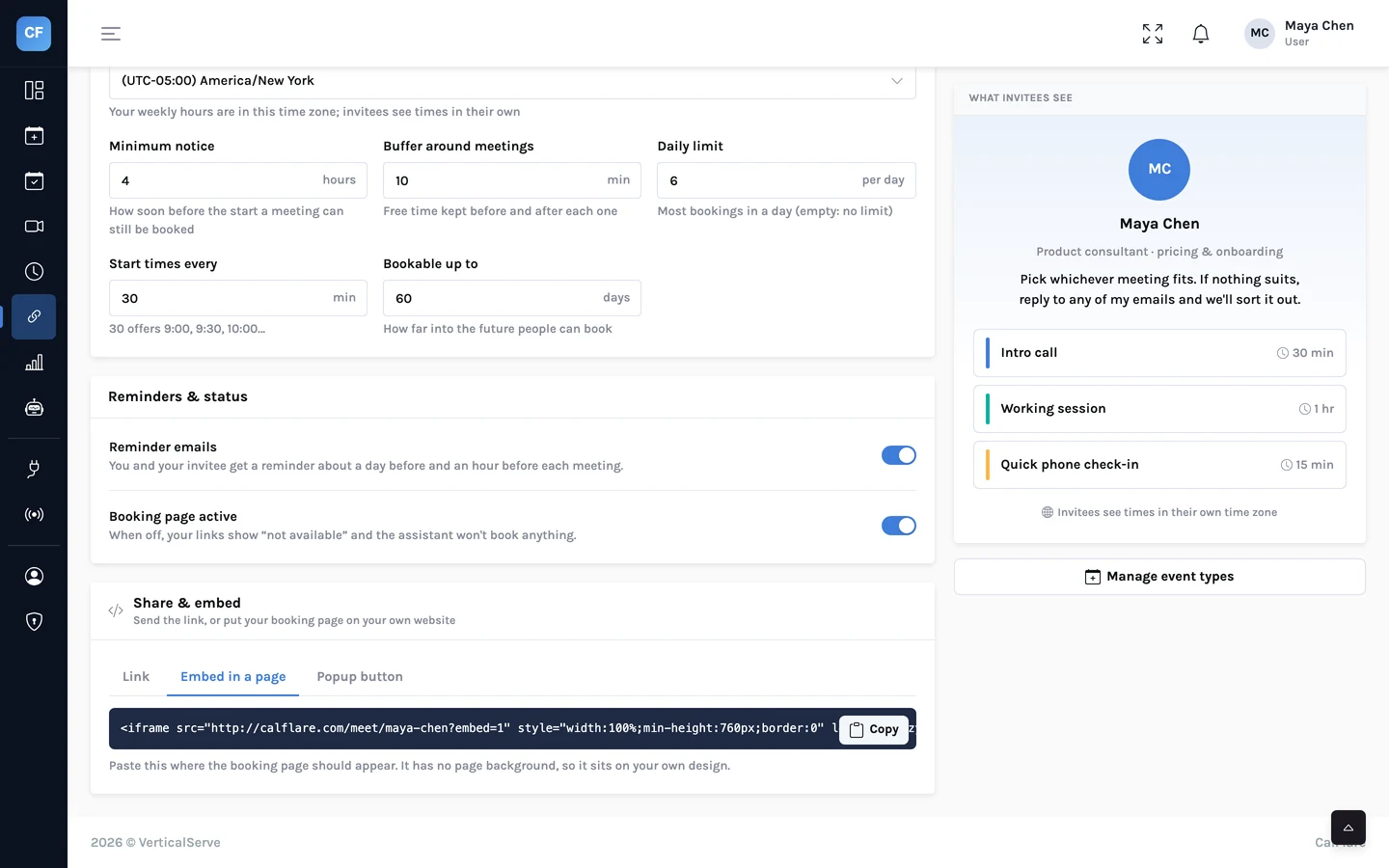
Three ways to share
| Method | What the visitor sees | Best for |
|---|---|---|
| Link | Your booking page, in a new tab | Email, chat, signatures, social profiles |
| Inline embed | The booking page inside your own page | A "Book a call" or contact page |
| Popup button | A button that opens the booking page in a small window | Headers, pricing tables, the end of an article |
In every snippet below, replace your-name with your own link name. To embed one event type instead of the whole page, add its name to the address: /console/meet/your-name/intro-call.
Inline: the booking page inside your page
Inline embed<iframe src="https://app.calflare.com/meet/your-name?embed=1" style="width:100%;min-height:760px;border:0" loading="lazy" title="Book a time"></iframe>Paste this where the calendar should appear. It is an iframe: a window in your page that shows your booking page.
?embed=1tells CalFlare the page is being shown inside another site.width:100%makes it fill the column it sits in, on a desktop and on a phone.min-height:760pxleaves room for the month calendar, the list of times and the form. If your column is narrow the page stacks and needs more height. Raise the number until nothing is cut off.loading="lazy"delays loading until the visitor scrolls near it, so it does not slow the top of your page.titleis what a screen reader announces. Keep it.
Popup button: a small window on demand
Popup button<a href="https://app.calflare.com/meet/your-name" onclick="window.open(this.href+'?embed=1','calflare','width=520,height=760');return false;">Book a time</a>This is an ordinary link with one extra instruction. When a visitor clicks it, a 520 by 760 pixel window opens with your booking page. Your own page stays where it was, behind it.
- Change the text between the tags to whatever suits: "Book a demo", "Schedule a call".
- Style it like any other link or button on your site. Add your own
class. - If the visitor's browser has scripts turned off, the link still works. It opens your booking page the normal way.
Keep the popup link's address clean
The snippet adds ?embed=1 to the address itself. So the href should be your plain booking address with nothing after it. If you want a prefilled popup, see the note under Prefill below.
Inline or popup?
| Inline | Popup button | |
|---|---|---|
| Space on your page | Needs a tall block | Needs one button |
| Clicks to see times | None | One |
| Good on a page with other content | Only if booking is the point of the page | Yes |
| Use several on one page | No: one is enough | Yes, such as header and footer |
| On a phone | Works; give it enough height | Opens as a new tab in most mobile browsers |
A simple rule: if the page exists so that people book, embed inline. If booking is one of several things a visitor might do, use the button.
Prefill: skip the typing for people you know
When you already know who you are inviting, put their name and email in the link. The form opens with both filled in.
A prefilled linkhttps://app.calflare.com/meet/your-name?name=Ada%20Lovelace&email=ada@example.com- Append
?name=Ada%20Lovelace&email=ada@example.comto your booking address. - A space in a name is written
%20. - The invitee can still change either field before confirming.
- It works for a single event type too: put the parameters after the event type's name.
This suits links you send one at a time, and links built by another system. A mail-merge tool or a CRM can fill in the name and email for each recipient.
Prefill is a convenience, not a lock
Anyone can edit a link. Do not treat a prefilled email address as proof of who is booking.
Things that are the same wherever the page appears
- Times are shown in the visitor's time zone.
- The slot is checked again on the server when they confirm, so an embedded page cannot double-book you.
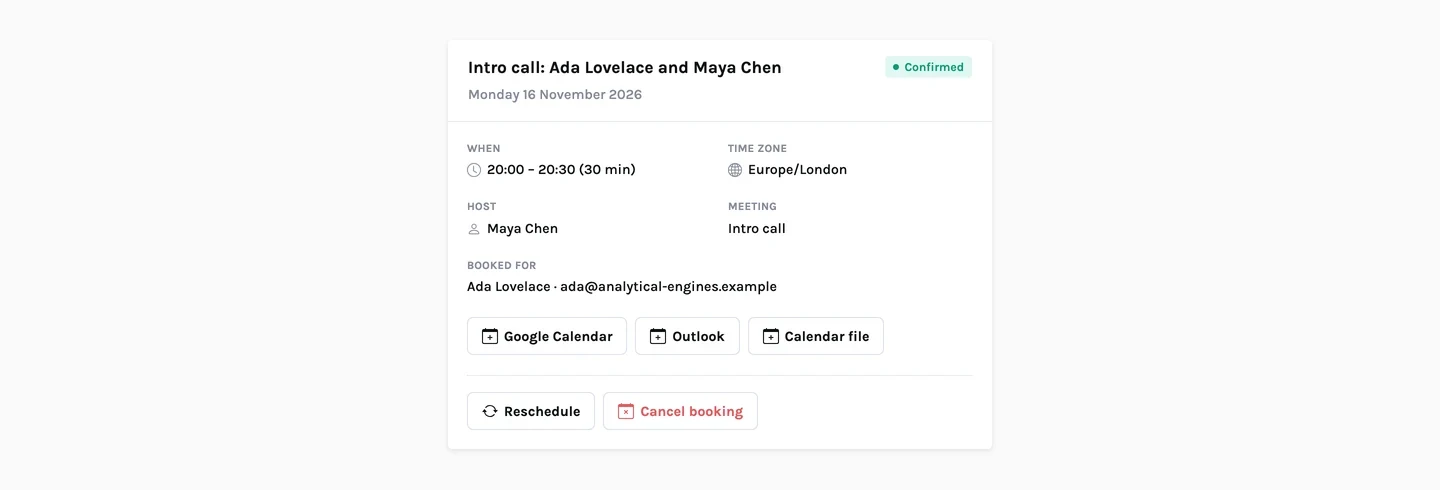
- The confirmation carries the bot check, the emails, the calendar file and the manage link, exactly as on the standalone page.
- Your accent colour applies. Choose one that sits well with your site.
If your site builder strips HTML
Most site builders have a block called "Embed", "HTML" or "Custom code". Paste the snippet there. If yours removes iframes or onclick, fall back to a plain link to your booking page. It is one click more and always works.
- You replaced
your-namein every place it appears. - The inline embed shows the whole form on a phone without being cut off.
- You booked a test meeting through the embedded page and received the email.
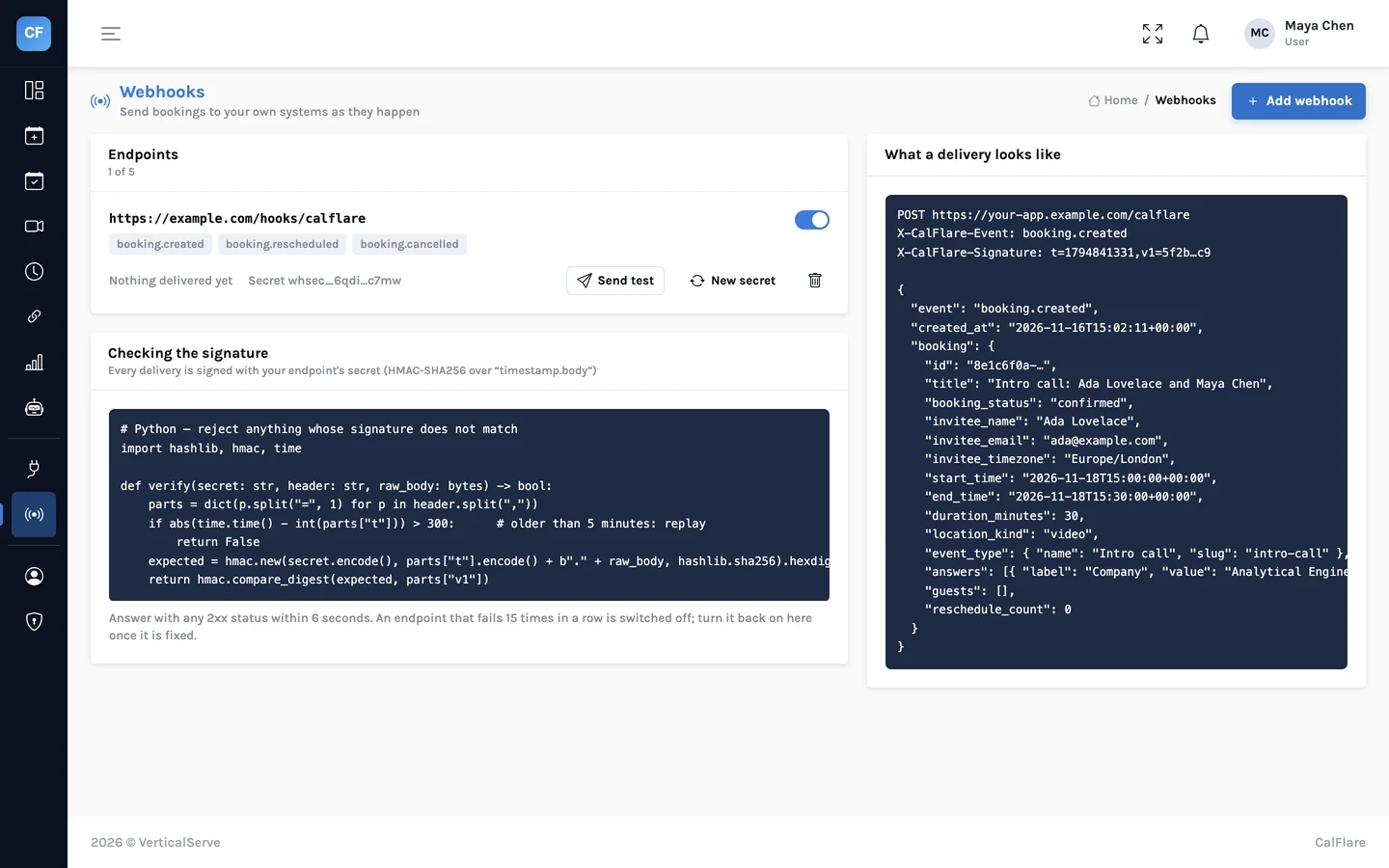
To send each booking on to your own systems, read Webhooks: send bookings to your CRM, Slack or a spreadsheet.
Copy your snippet
Create an account, set your link name and copy the inline or popup snippet from the console. CalFlare is free to get started.
Get started free