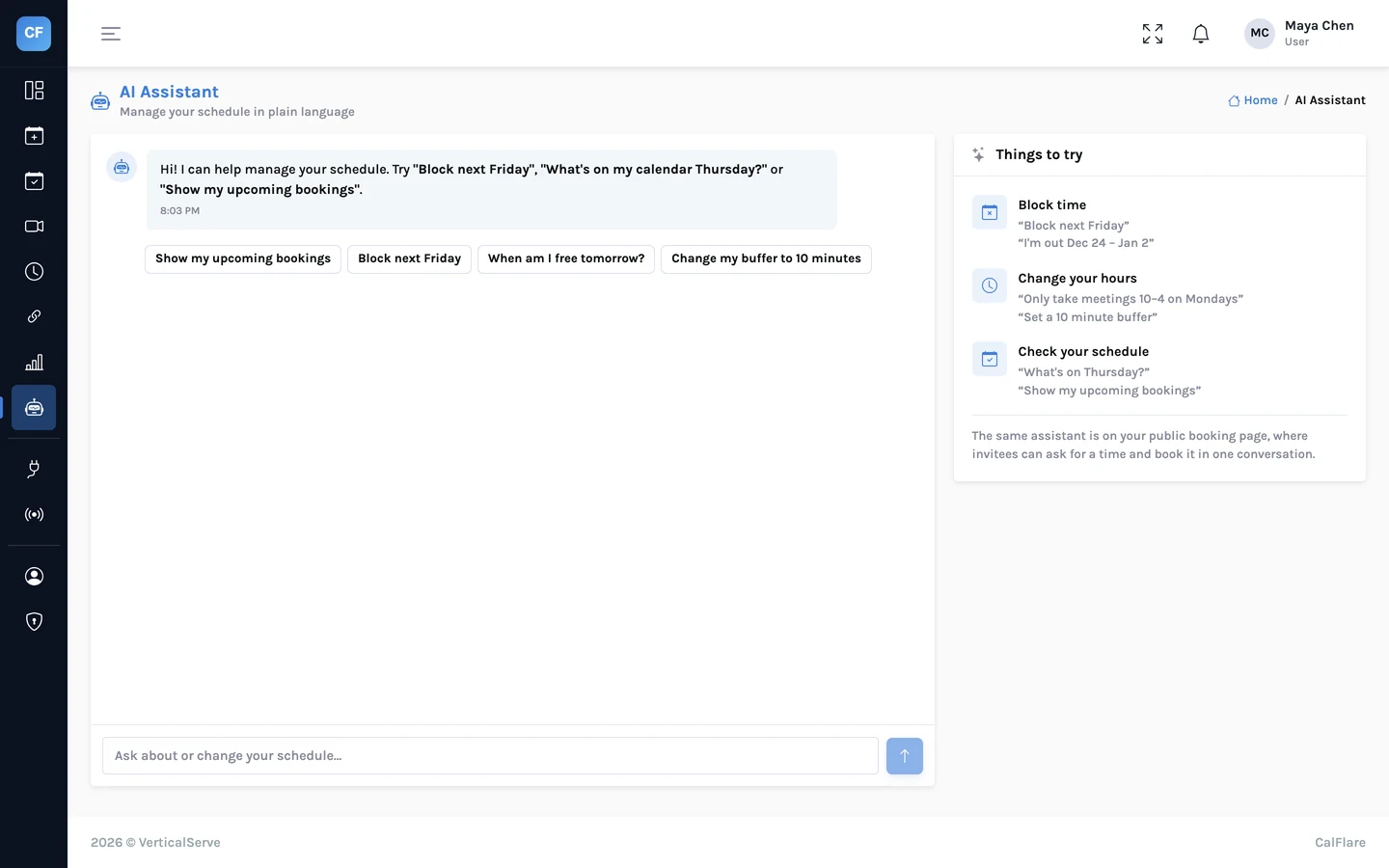
Booking a meeting is the easy part. The hard part comes on Tuesday evening, when the invitee realises they cannot make Wednesday at ten.
"So sorry, something came up. Could we do Thursday?" · "Thursday is full, Friday morning?" · "Friday I'm travelling. Next week?" · "Monday at 2?" · "Works. Can you resend the invite?"
The invitee opens the link in their confirmation email, picks Monday at 2 from the open times, and presses confirm. Both calendars update. Both get an email.
CalFlare gives every booking a manage link. This post follows one booking through a reschedule and a cancellation, from both sides.
The manage link
When someone books, their confirmation email contains a private link to that booking. It needs no account and no password. The link holds a 64-character random token, and it opens one booking only.
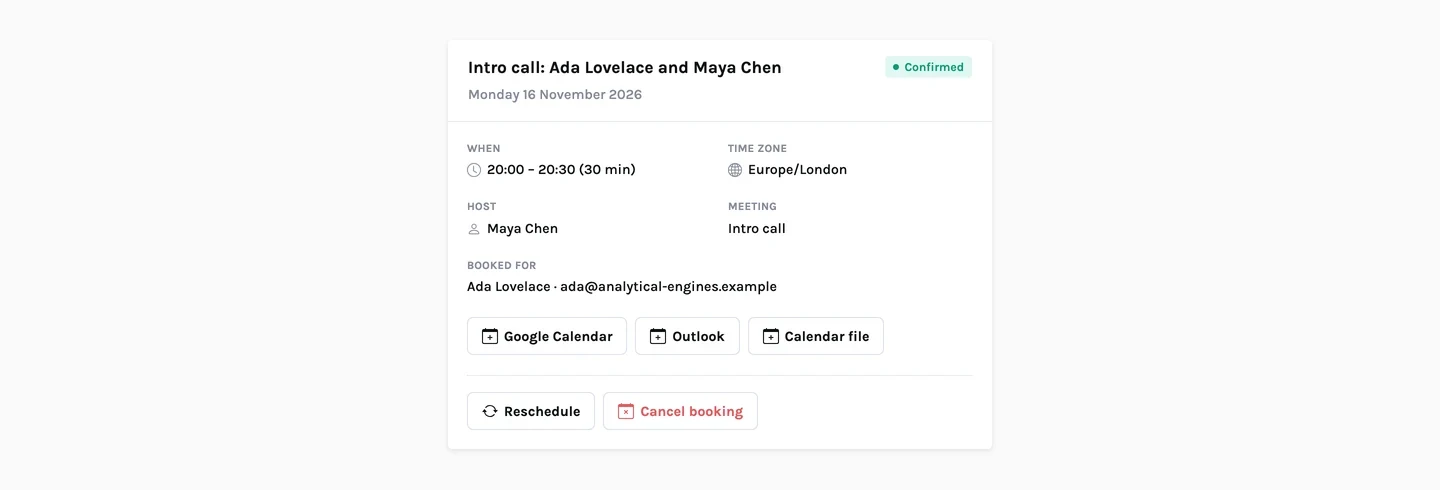
The page shows what was booked, when (in the invitee's time zone), where, and with whom. Below are two actions: reschedule and cancel.
Rescheduling, step by step
A few details matter here.
- Only open times are offered. Ada cannot move the call outside Maya's hours, inside her minimum notice, or onto another meeting.
- The booking's own time does not block it. Moving a meeting by half an hour works, even though the old time overlaps the new one.
- The manage link stays the same. The link in Ada's first email still works after the move.
- It is still one booking. Answers, guests and notes carry over. Nothing is typed again.
What each side receives
| Invitee (and guests) | Host | |
|---|---|---|
| "Booking rescheduled", with the new time in their zone and the old time under "Was" | The same, with the times in the host's zone | |
| Calendar file | An updated .ics attached | An updated .ics attached |
| Calendar event | A fresh invitation from the host's calendar | The old event is removed and a new one created on the primary calendar |
| Manage link | Included again; unchanged | Not needed: the host uses the console |
Cancelling
From the same manage page, the invitee can cancel. The time opens up on the host's booking page straight away, so someone else can take it.
Both sides get a "Booking cancelled" email. It says who cancelled, and the attached calendar file marks the event as cancelled. The event is removed from the host's calendar.
A cancelled booking stays cancelled
A cancellation cannot be undone from the manage link. To meet after all, the invitee books a new time from your booking page.
The host's side
Hosts do not need the manage link. In the console, every booking opens to show the invitee's answers, guests and notes, with three actions.
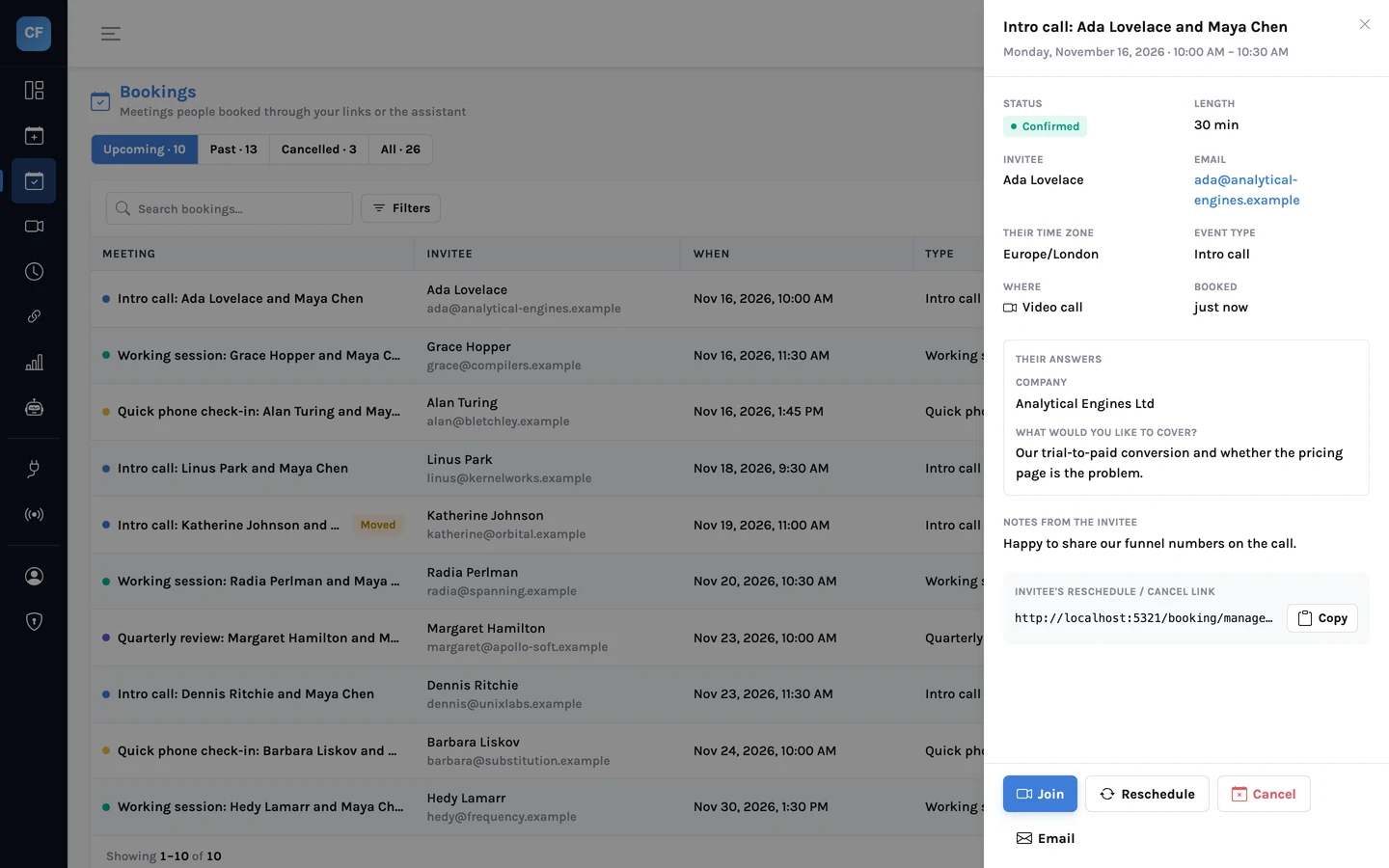
| Action | What it does |
|---|---|
| Reschedule | Moves the meeting to another open time. The invitee is emailed the new time. |
| Cancel | Cancels with a reason you type. The reason appears in the invitee's email. |
| Mark no-show | Records that the invitee did not turn up. It counts in your analytics. |
If you must cancel, give the reason. "I'm unwell, please pick another time" reads very differently from a bare cancellation notice.
Reminders follow the booking
Reminder emails go to the invitee and the host about 24 hours and about 1 hour before the meeting. They are tied to the booking, not to the original time:
- When a meeting is rescheduled, the reminders start again for the new time.
- When a meeting is cancelled, no reminders are sent.
- A meeting booked at short notice skips a reminder whose moment has already passed. Booked three hours ahead, it gets the one-hour reminder only.
- Hosts can switch reminders off in the booking page settings.
Calendar files, and why they are still attached
The event on the host's calendar invites the invitee and any guests, so most people get a normal calendar invitation. The .ics file on each email is the fallback: it works with calendar apps that did not receive or accept the invitation. The confirmation also has "Add to Google Calendar" and "Outlook" links for the same purpose.
If you run your own systems
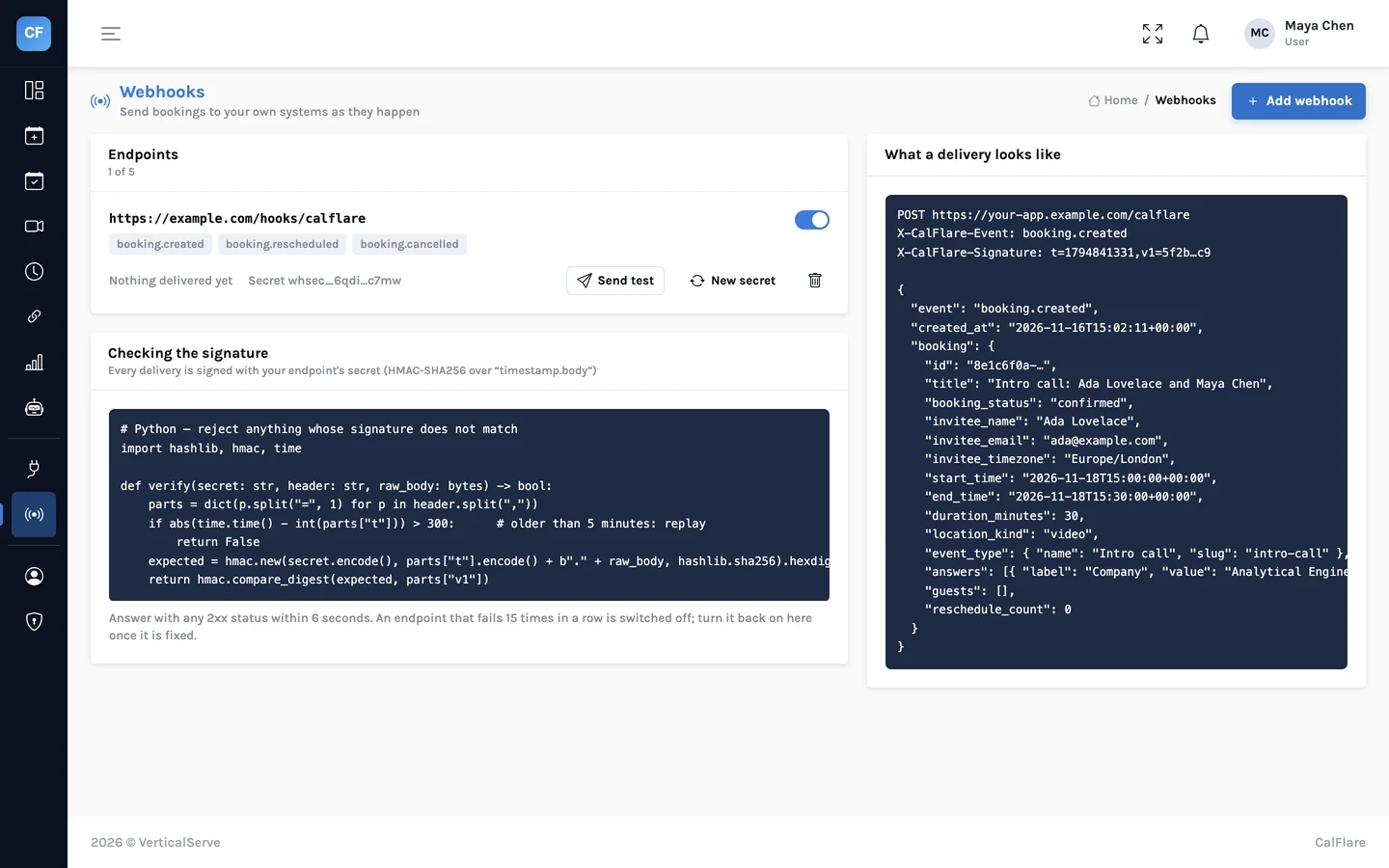
Each change can also be sent to an endpoint of yours as a signed webhook: booking.rescheduled and booking.cancelled, next to booking.created. The payload includes a reschedule_count, so a CRM can tell a first booking from a third move. How webhooks work.
And the reschedule rate, cancellation rate and no-show rate are all in Analytics, if you want to know how often plans move.
Send a link that people can change their mind with
Book yourself, then use the manage link in the email to move the meeting. It takes a minute to see the whole flow.
Get started free