"Let's talk at 3" is a complete sentence only if both people are in the same place. Across time zones it is half a sentence, and the missing half causes most missed meetings.
Scheduling software exists partly to finish that sentence for you. This post explains the rule CalFlare follows, works through an example with three cities, and looks at the weeks each year when the arithmetic you have memorised stops being true.
The rule: one moment, shown two ways
A meeting happens at one moment. Every person sees that moment on a local clock. CalFlare keeps the two ideas apart:
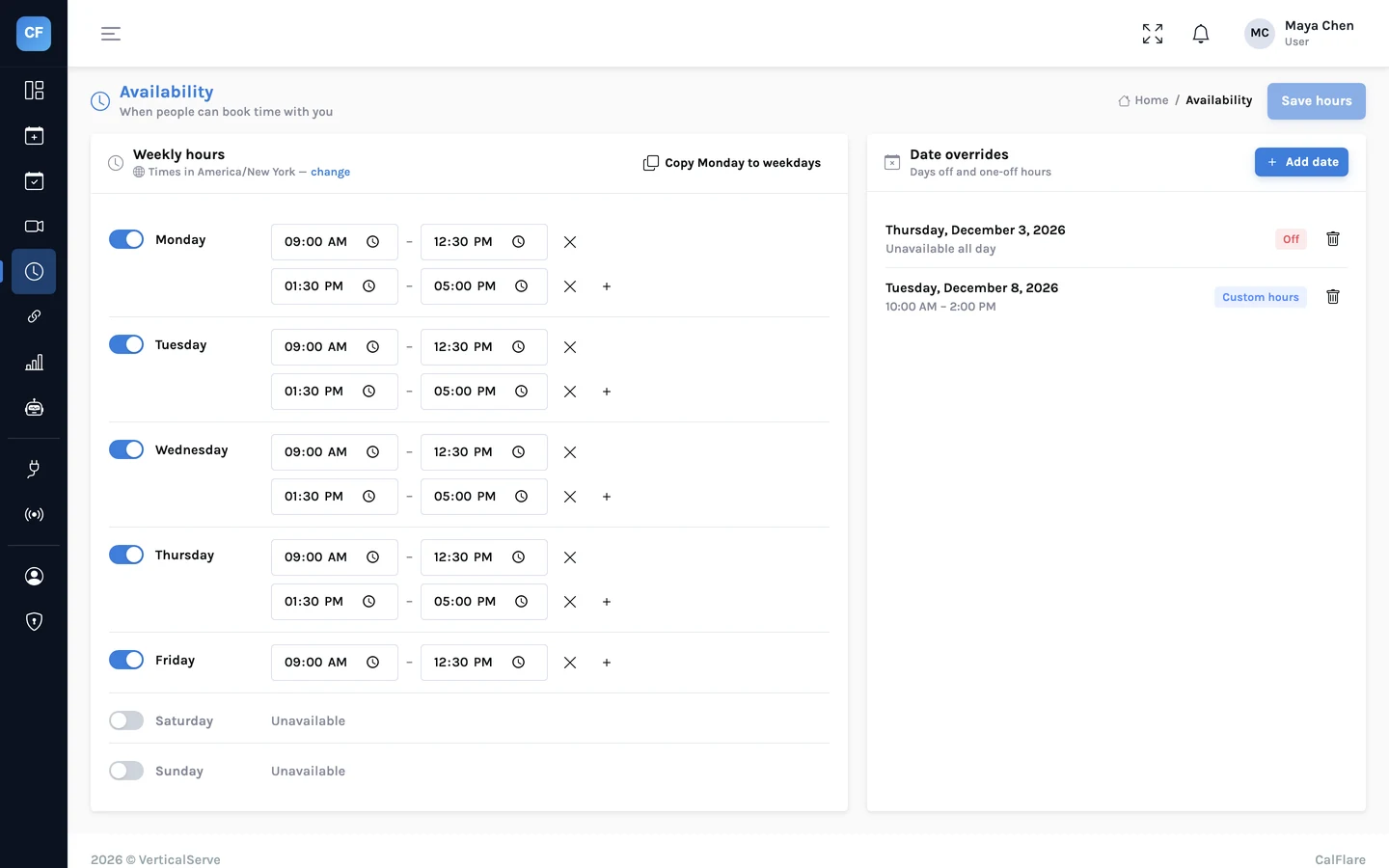
- You set your hours in your own time zone. "Tuesday, 9:00 to 17:00" means 9 to 5 where you are.
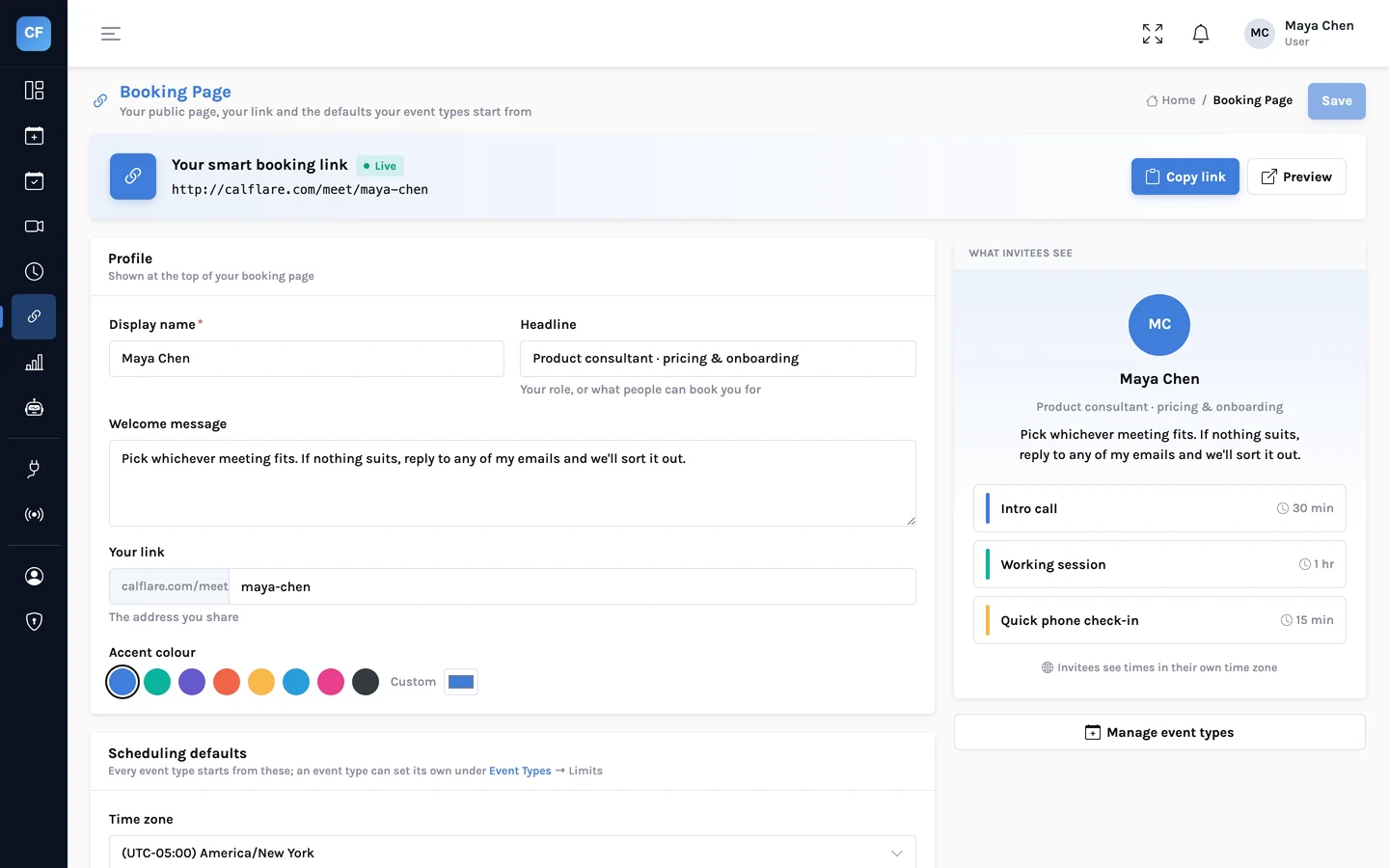
- Each invitee sees times in their own time zone. They can switch to another zone, and choose 12 or 24 hour time.
- Emails show the time in the reader's own zone. Your confirmation says your time. Theirs says theirs.
A worked example: New York, London, Bengaluru
Maya works in New York. Her hours are 9:00 to 17:00, Monday to Friday. She shares one link with a client in London and a developer in Bengaluru. It is the middle of November, so New York is on standard time.
Three things in that table are worth noticing.
- The date can change. Maya's late Tuesday afternoon is early Wednesday morning in Bengaluru. The developer's calendar shows it under Wednesday, which is correct for them.
- Half-hour zones are normal. India is five and a half hours ahead of UTC. A slot that starts on the hour for Maya starts on the half hour there.
- Open is not the same as reasonable. Every one of Maya's slots is available to the developer. Only her morning falls in their evening. The rest is the middle of the night.
If you work with one far-away region often
Add a range to your weekly hours that suits them. Maya could open 8:00 to 9:00 on Tuesdays and Thursdays, which is 18:30 to 19:30 in Bengaluru. Weekly hours take several ranges a day, so this does not disturb the rest of her week.
Daylight saving: the weeks when the gap moves
Many countries move their clocks forward in spring and back in autumn. They do not all do it on the same day, and some never do it. So the difference between two cities is not a fixed number.
| Period | New York | London | Gap | Maya's 9:00 in London |
|---|---|---|---|---|
| Most of the winter | UTC-5 | UTC+0 | 5 hours | 14:00 |
| 14 to 27 March 2027 | UTC-4 (clocks already forward) | UTC+0 | 4 hours | 13:00 |
| From 28 March 2027 | UTC-4 | UTC+1 (clocks forward) | 5 hours | 14:00 |
For two weeks in March 2027 the usual five-hour gap is four hours, because the United States changes its clocks on 14 March and the United Kingdom on 28 March. The same thing happens in reverse each autumn: in 2026 the UK moves back on 25 October and the US on 1 November, so for that week the gap is also four hours.
India does not change its clocks at all. So the gap between New York and Bengaluru is ten and a half hours in winter and nine and a half in summer, and Maya's 9:00 moves from 19:30 to 18:30 for the developer on 14 March.
What CalFlare does on the day the clocks change
Your hours are wall-clock hours. "9:00 to 17:00" stays 9:00 to 17:00 on your clock before and after the change. What moves is how those hours look from a place that changed on a different day, or not at all. Each slot is worked out for its own date, so a booking made in February for late March already has the right time on both sides.
Mistakes that software cannot stop
- Typing a time into a message. "See you at 3" in an email is yours to get right. Send the link, or name the zone.
- A device set to the wrong zone. The booking page starts from the zone the invitee's device reports. If they are travelling and their laptop is still on home time, they can switch the zone on the page.
- Forgetting that you travel. Your hours follow the time zone in your settings. If you spend a month elsewhere, change the zone or add date overrides.
- Your time zone in CalFlare matches where you are working.
- You send the link instead of typing a time.
- In March and in October and November, you read the confirmation email instead of assuming "the usual time".
Agree on the moment, and let each clock show it its own way.
More on the rules behind your open times: Availability.
Share a link that speaks every time zone
Set your hours once in your own zone. CalFlare shows them correctly to everyone else.
Get started free